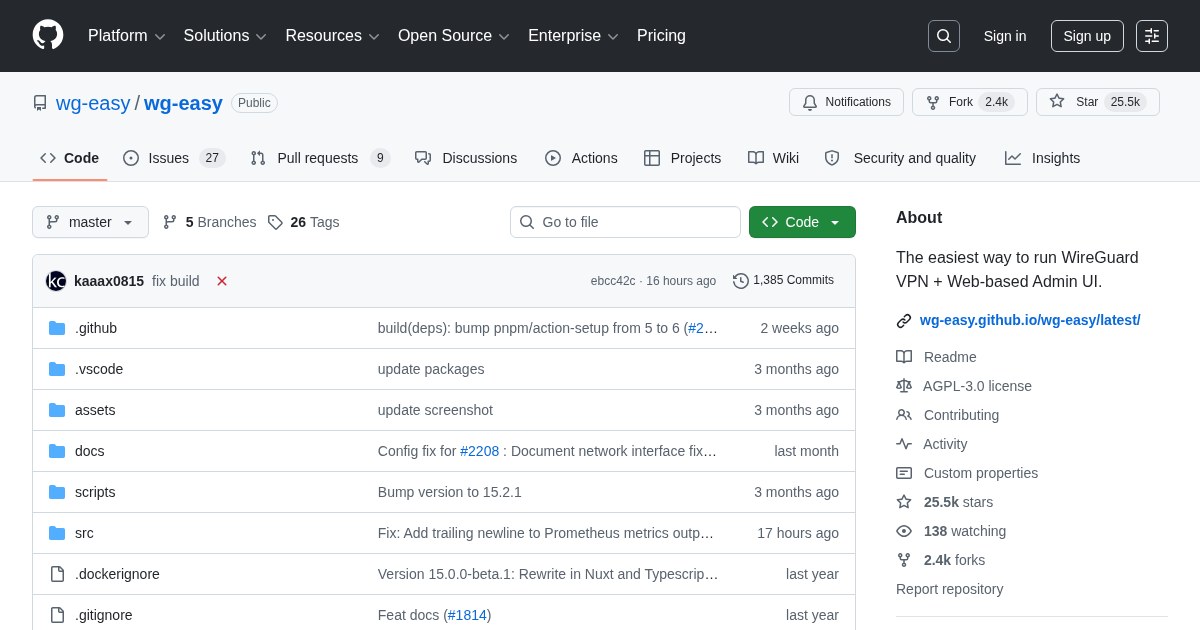
wg-easy: WireGuard VPN With a Web Interface
wg-easy packages WireGuard with a web interface that handles the part people find fiddly: generating keys and distributing client configurations.
What it removes
Configuring WireGuard by hand means generating keypairs, writing config files on both ends, getting AllowedIPs right, and transferring the client config to a phone somehow. wg-easy reduces that to clicking “new client” and scanning the QR code it displays. Adding a family member’s phone takes under a minute.
Features
Client creation and deletion with per-client enable and disable, live connection status showing last handshake and transfer volumes, QR codes for mobile, downloadable config files for desktop, and configurable DNS so VPN clients resolve through your Pi-hole or AdGuard Home while away from home.
Why a homelab wants this
A VPN back to your own network is the correct answer to remote access for nearly everything else you self-host. Rather than exposing Portainer, Sonarr, or your NAS to the internet, expose one UDP port for WireGuard and reach all of them privately. It is both simpler and dramatically safer.
Security notes
The web UI must not be internet-facing: it can generate credentials for your network. Bind it to localhost or the VPN interface itself, set a strong password, and reach it over the tunnel once you have one client configured. Only the WireGuard UDP port should be open externally.
Alternatives
Netbird and Headscale build mesh networks on WireGuard with more automation. Plain WireGuard with config files is entirely reasonable once the setup stops changing.
License
wg-easy is released under the GNU General Public License v3.0.