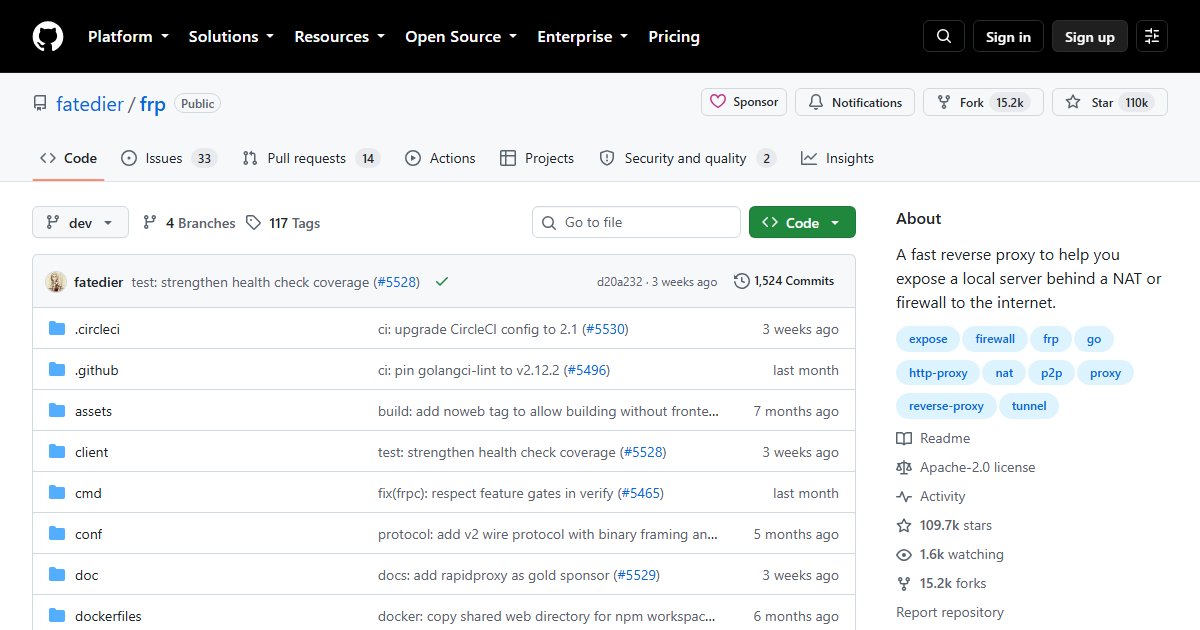
frp: Expose Services Behind NAT With a Fast Reverse Proxy Tunnel
frp (“fast reverse proxy”) solves a common self-hosting problem: your server is at home behind NAT or carrier-grade NAT (CGNAT), so you cannot open ports to it. With frp, a small client at home connects outward to a server you rent with a public IP, and that server forwards traffic back through the tunnel.
It is one of the most-starred networking projects on GitHub.
How it works
| Component | Runs on | Job |
|---|---|---|
| frps | A VPS with a public IP | Accepts tunnels and public traffic |
| frpc | Your home server | Connects out to frps and forwards traffic to local services |
Because frpc connects outward, no inbound ports are needed at home.
Protocols
- TCP and UDP port forwarding (SSH, game servers, WireGuard)
- HTTP and HTTPS with virtual hosts, so many sites share one public IP
- STCP (secret TCP): only clients with the shared secret can connect, nothing is publicly exposed
- XTCP: peer-to-peer connections with NAT hole punching, falling back when not possible
- Encryption, compression, load balancing, health checks, and a dashboard
Configuration
Configuration uses TOML (YAML and JSON also work; the old INI format is deprecated). A minimal pair:
# frps.toml (on the VPS)
bindPort = 7000
auth.token = "change-me-long-random"
# frpc.toml (at home)
serverAddr = "vps.example.com"
serverPort = 7000
auth.token = "change-me-long-random"
[[proxies]]
name = "ssh"
type = "tcp"
localIP = "127.0.0.1"
localPort = 22
remotePort = 6000Always set an auth token, and only expose what you need: a public TCP port is reachable by the whole internet. For web services, terminate HTTPS with a reverse proxy, and prefer STCP or a VPN for anything administrative. Run both sides as systemd services.
frp or the alternatives?
- Cloudflare Tunnel: no VPS needed, but traffic flows through Cloudflare
- Pangolin: tunnelled reverse proxy with authentication and a web UI
- WireGuard to a VPS, with the VPS forwarding ports; see WireGuard explained
- Headscale or NetBird if only your own devices need access
frp is the simplest choice when you have a VPS and want full control over raw port forwarding.
License
Apache License 2.0.