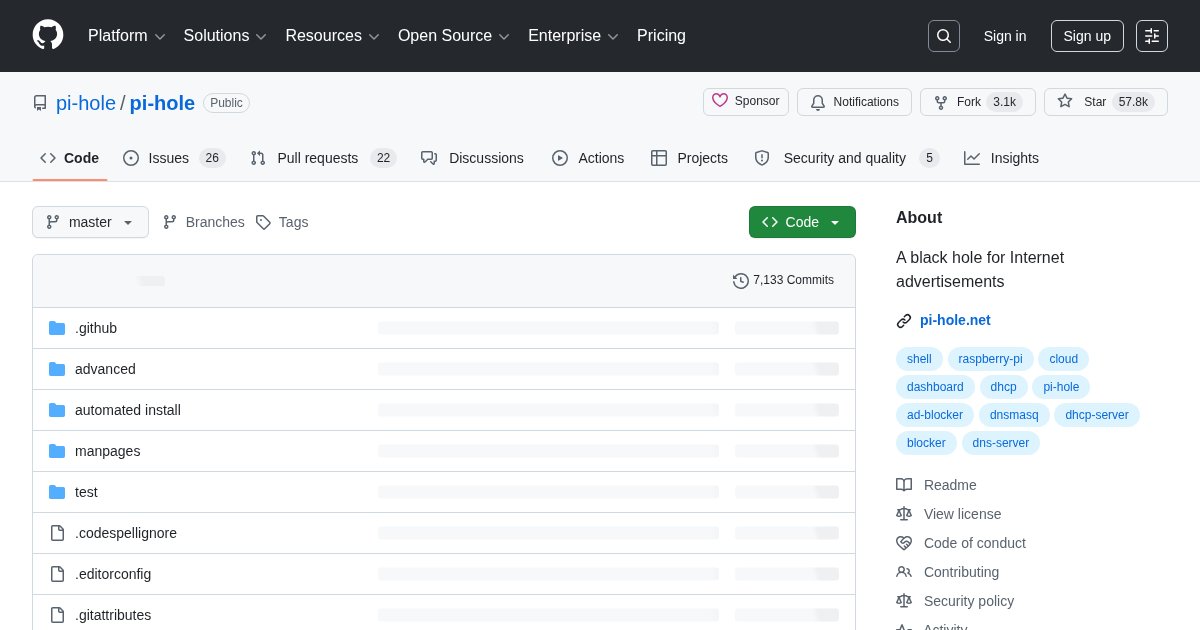
Pi-hole: Network-Wide DNS Ad Blocking
Pi-hole is a DNS server that refuses to resolve domains on your blocklists. Point your router’s DHCP at it, and every device on the network gets ad and tracker blocking without installing anything.
What it catches that browser extensions cannot
uBlock Origin is more precise inside a browser, because it can hide page elements and block requests contextually. What it cannot do is protect a smart TV reporting viewing habits, a phone app serving ads, or an appliance phoning home. Pi-hole operates one layer down at DNS, so it covers everything that resolves a name, which is everything.
The corresponding limitation: because it works by domain, it cannot block ads served from the same domain as the content. YouTube ads are the canonical example and Pi-hole does not solve them.
Setting it up properly
The single most important configuration step is DNS delivery. Setting Pi-hole as the DNS server in your router’s DHCP settings covers the whole network. Devices with hardcoded DNS, and browsers using DNS-over-HTTPS, will bypass it unless you block outbound DNS at the firewall, which is worth doing if you want the blocking to be reliable.
Run a second instance if you can. When Pi-hole is your only DNS server, rebooting it takes the internet down for the household, which is how ad blocking becomes a domestic dispute.
Beyond blocking
Pi-hole also gives you local DNS records for naming machines on your LAN, per-client group policies for excluding a device, and a query log that is genuinely revealing about what your devices talk to when idle.
Alternatives
AdGuard Home covers the same ground with DNS-over-HTTPS and DNS-over-TLS support built in and a more modern interface. Blocky is a lighter Go implementation.
License
Pi-hole is released under the European Union Public Licence v1.2.