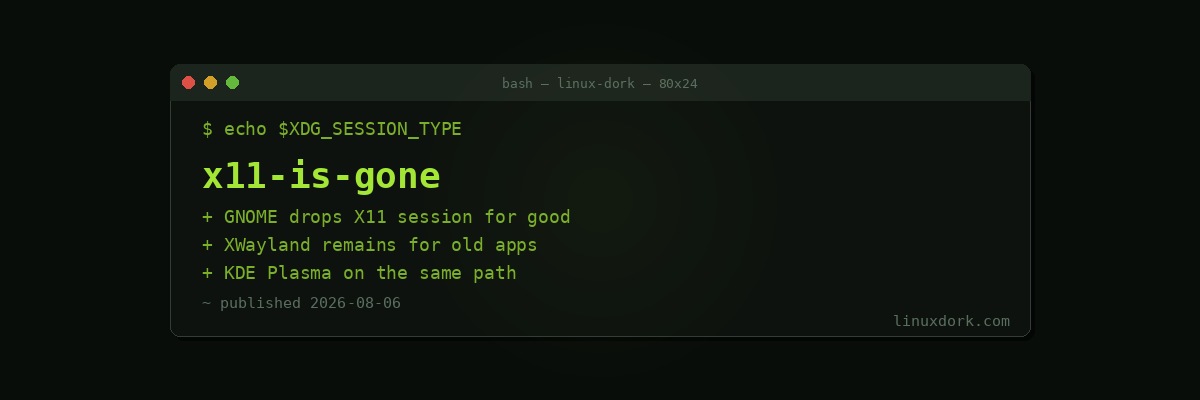
GNOME Has Fully Dropped X11: Wayland Is Now the Default Everywhere
GNOME has dropped its X11 session entirely. For years the choice at the login screen was Wayland as the default with an X11 fallback quietly available underneath for anyone who hit a rough edge. That fallback is now gone. Every GNOME session is a Wayland session, full stop, and KDE Plasma is moving down the same path, with X11 support increasingly treated as legacy rather than a fully maintained alternative.
What actually changed
This is the end point of a transition that has been underway since Wayland first became GNOME’s default session years ago. Until now, X11 stuck around as a safety net: a place to fall back to if a GPU driver, a remote desktop tool, or a screen recording utility did not yet work correctly under Wayland. Removing that fallback means GNOME’s maintainers are no longer treating X11 compatibility as something that needs to keep working, which frees up maintenance effort but also removes the escape hatch users have relied on when something breaks.
Practically, this affects anyone building or maintaining a GNOME-based distribution image, anyone with a custom X11-only workflow (certain accessibility tools, window management setups, and remote administration scripts have historically depended on X11-specific behavior), and anyone running hardware where the Wayland driver stack still has known gaps.
Where this leaves X11-only apps
Applications that only speak X11 are not immediately broken. XWayland, the compatibility layer that lets X11 clients run inside a Wayland session, remains in place and is not going anywhere in the near term. The difference is that XWayland is now the only path for those applications, there is no longer a native X11 session to fall back to if an app behaves badly under the compatibility layer.
Why this matters for holdouts
The most common reasons people have stayed on X11 are Nvidia driver quirks on older GPUs, remote desktop and screen-sharing tools that were slower to add Wayland support, and specific window manager customizations that have no direct Wayland equivalent. Nvidia’s Wayland support has improved substantially on recent driver branches, and most major remote desktop tools have shipped Wayland-native support over the past couple of release cycles, which is part of why GNOME’s maintainers judged the fallback safe to remove now rather than earlier.
If you are still on X11 for one of these reasons, it is worth testing a Wayland session before your next GNOME upgrade forces the issue, rather than finding out mid-upgrade that a workflow you depend on needs adjusting.
# Check which session type you're currently running
echo $XDG_SESSION_TYPE

# Check your Nvidia driver version if driver support is a concern
nvidia-smi --query-gpu=driver_version --format=csv,noheader
KDE’s parallel path
KDE Plasma has not removed its X11 session yet, but its development focus and new feature work are concentrated on the Wayland session, mirroring GNOME’s trajectory from a couple of years back. Recent Plasma point releases have shipped fixes specifically for Wayland-side GPU reset handling and display corruption issues on AMD hardware, the kind of stabilization work that typically precedes a fallback session being deprecated and eventually dropped.
What to check before you’re forced to switch
Anyone still relying on X11 should verify three things ahead of time: that their GPU driver has solid Wayland support, that any remote access or screen sharing tools they use have shipped native Wayland support rather than relying on X11-only protocols, and that window manager customizations built around X11-specific tools have a working Wayland equivalent or an XWayland-compatible fallback.