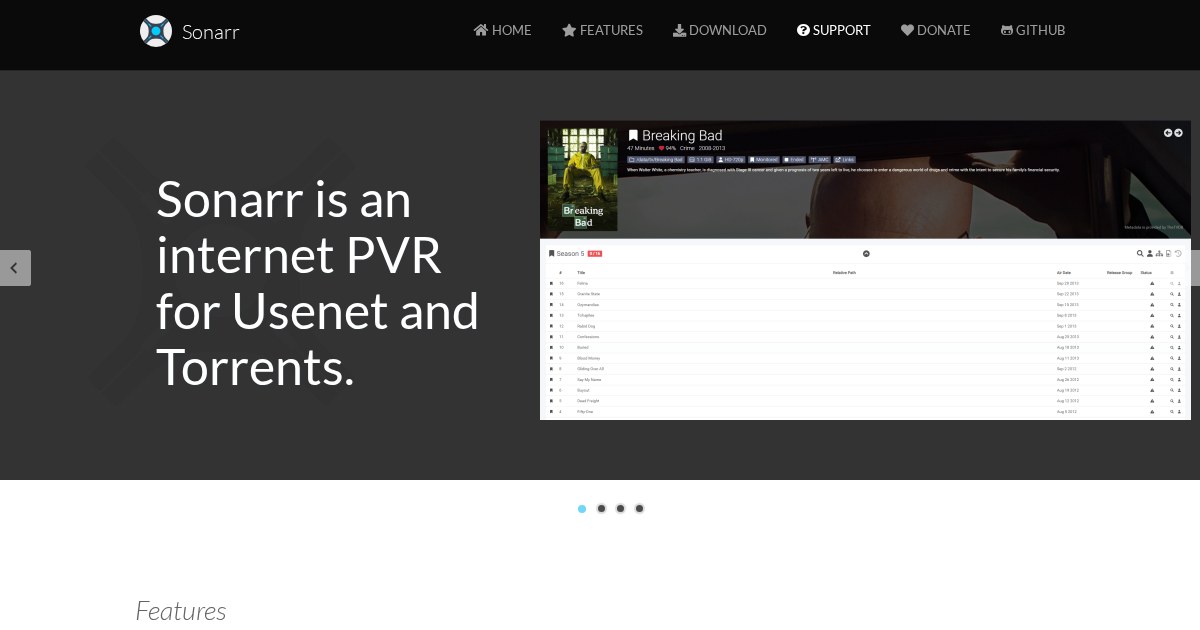
Sonarr: Automated TV Series Management
Sonarr monitors television series you follow, watches indexers for new episodes, sends releases to a download client, then renames and files the results where your media server expects them.
What it actually automates
The manual version of this is checking for new episodes, evaluating releases against quality preferences, downloading, renaming to a consistent scheme, and moving into the right folder. Sonarr does all of it continuously. Add a series once, set a quality profile, and episodes appear in your library as they air.
Quality profiles are the part worth understanding: they define acceptable formats and resolutions in preference order, and Sonarr will upgrade an existing file when a better release appears, until the profile’s cutoff is reached.
Where it sits in the stack
Sonarr handles television; Radarr handles films with the same design; Lidarr and Readarr cover music and books. Prowlarr manages indexers centrally and pushes them to all of them, which saves configuring each separately. Download clients are qBittorrent, Transmission, SABnzbd, or NZBGet. Bazarr adds subtitles. Jellyseerr or Overseerr provide a request interface for other household members.
Filesystem advice that saves pain later
Give the download client and Sonarr the same view of the filesystem, with identical paths inside their containers. Mismatched paths are the single most common setup problem, and the symptom is imports silently failing. Keeping downloads and the library on one filesystem also lets Sonarr hardlink rather than copy, which avoids duplicating every file.
Access
Never expose *arr applications to the internet; they have no meaningful authentication hardening. Use a VPN, and mobile clients like Ruddarr or nzb360 over that tunnel.
License
Sonarr is released under the GNU General Public License v3.0.