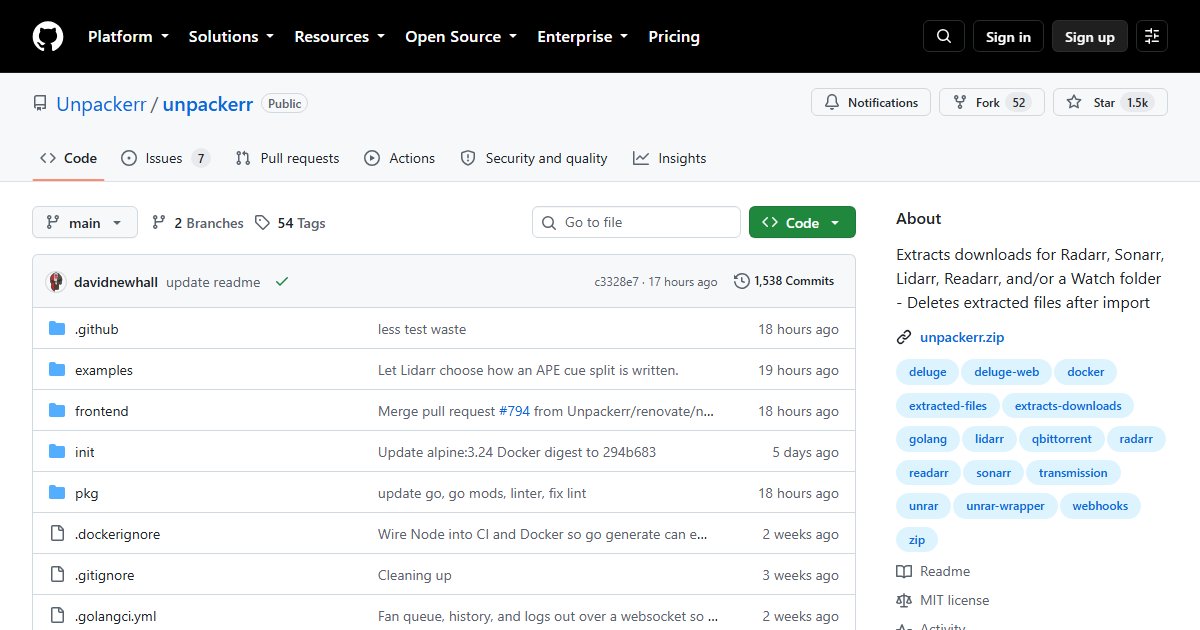
Unpackerr: Automatic Archive Extraction for Sonarr, Radarr, and Lidarr
Some downloads arrive as archives: RAR sets, ZIPs, or 7z files. Sonarr, Radarr, and Lidarr cannot import a file still packed inside an archive, so the download sits there. Unpackerr fixes that: it notices completed downloads, extracts them, lets the *arr app import the result, then deletes the extracted copy.
How it works
- With the *arr apps: Unpackerr polls their queues through the API, finds completed downloads that contain archives, extracts them in place, and the app imports the extracted files. After import, Unpackerr removes the extracted files so you do not keep two copies
- As a watch folder extractor: point it at any folder and it extracts archives that appear there, with no *arr apps involved
Supported formats
RAR (including multi-part and encrypted), ZIP, 7z (including encrypted), tar, gzip and tar.gz, bzip2, and ISO/UDF disc images. It can extract recursively (archives inside archives) and can split FLAC and APE audio files using cue sheets.
Deployment
Unpackerr is a single binary, distributed as Docker images and native packages for Linux, macOS, Windows, and FreeBSD. Configure it with a config file or environment variables containing each *arr’s URL and API key. In Docker, it needs the same download path mapping as your *arr apps and download client, or it will not find the files.
Related tools
- Recyclarr for quality profiles
- autobrr for grabbing releases from announces
- Our 7-Zip and zstd guide covers the archive formats themselves
License
MIT.