Server Cat: Server Status, Docker, and SSH for iOS
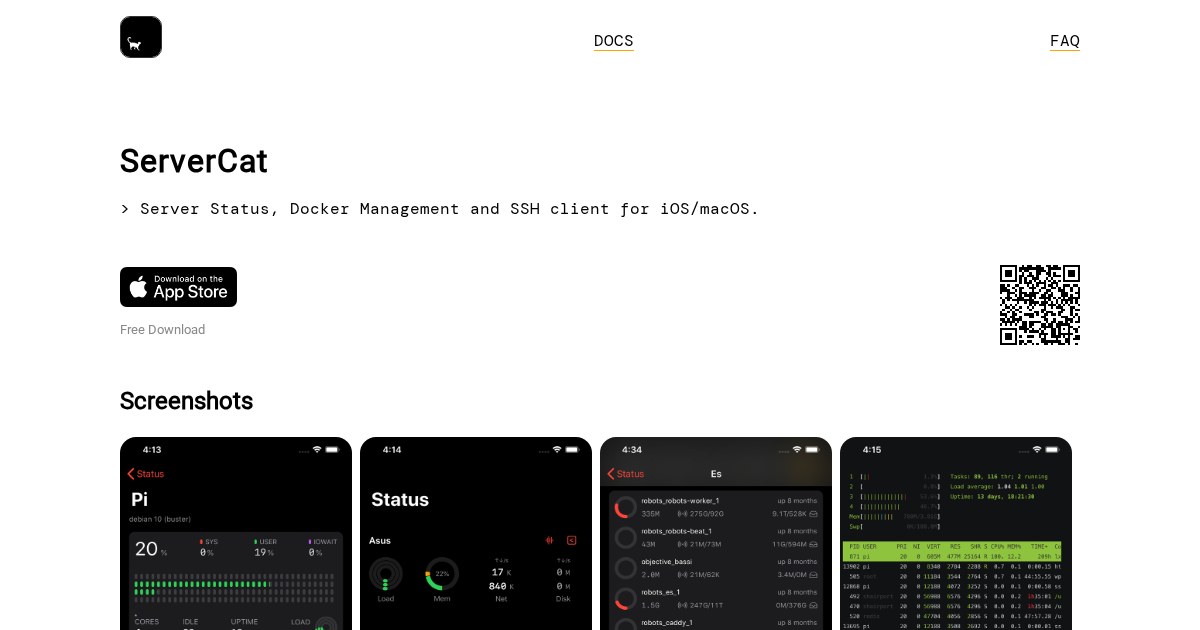
Server Cat combines three things iPhone users running servers usually juggle across separate apps: status monitoring, Docker management, and SSH.
The consolidation argument
Checking a server from a phone typically means one app for metrics, another for containers, and a terminal app for anything else. Server Cat covers all three against the same saved hosts, which removes most of the friction from a quick check.
What each part covers
Monitoring shows CPU, memory, disk, and network for connected machines. Docker management lists containers with start, stop, restart, and log viewing. The SSH client handles the cases neither of the other two anticipate, which in practice is most real troubleshooting.
Authentication
It connects over SSH, so key-based authentication is both supported and strongly preferable to passwords. Storing a key on a phone deserves a moment’s thought: use a dedicated key for mobile access rather than copying your primary one, so it can be revoked independently if the device is lost.