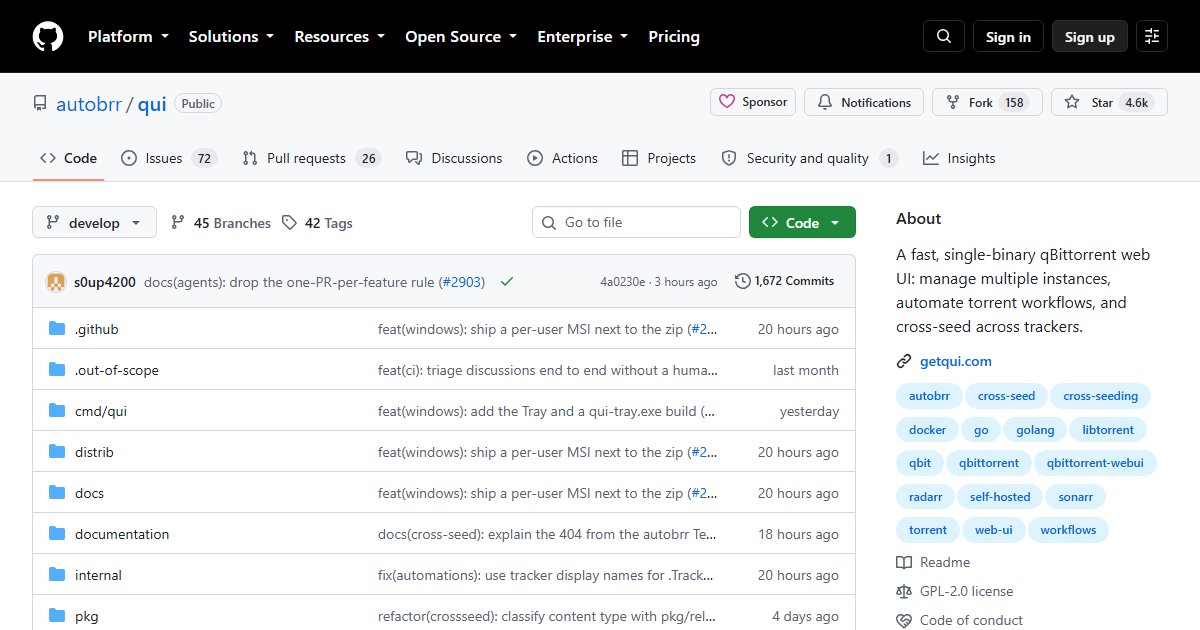
qui: A Fast, Modern Web UI for Multiple qBittorrent Instances
qui is a replacement web interface for qBittorrent, built by the team behind autobrr. Its main trick is managing several qBittorrent instances from a single interface, which anyone running separate clients for different trackers, media types, or machines will appreciate.
Features
- Multi-instance management from one UI
- Cross-seeding across trackers
- Rule-based automation for managing torrents
- Scheduled backups of instance state, with restore options
- Built-in reverse proxy support for accessing instances
- A single Go binary with no dependencies, and translations for more than ten languages
Deployment
qui runs as a single binary or in Docker, on port 7476 by default:
docker run -d --name qui -p 127.0.0.1:7476:7476 \
  -v /srv/qui:/config ghcr.io/autobrr/qui:latest
Point it at each qBittorrent instance’s WebUI address and credentials. qBittorrent itself keeps running as before; qui only replaces the interface you use.
How it fits
qui pairs with the rest of the *arr ecosystem: Sonarr, Radarr, and Prowlarr send downloads to qBittorrent, and qui is where you look at and manage them. The autobrr team is also working on librrary, a planned replacement for Sonarr and Radarr, though it had not been released as of September 2026.
As with any torrent client, keep the interface off the public internet; use a VPN like WireGuard to reach it remotely.
License
GPL-2.0-or-later.