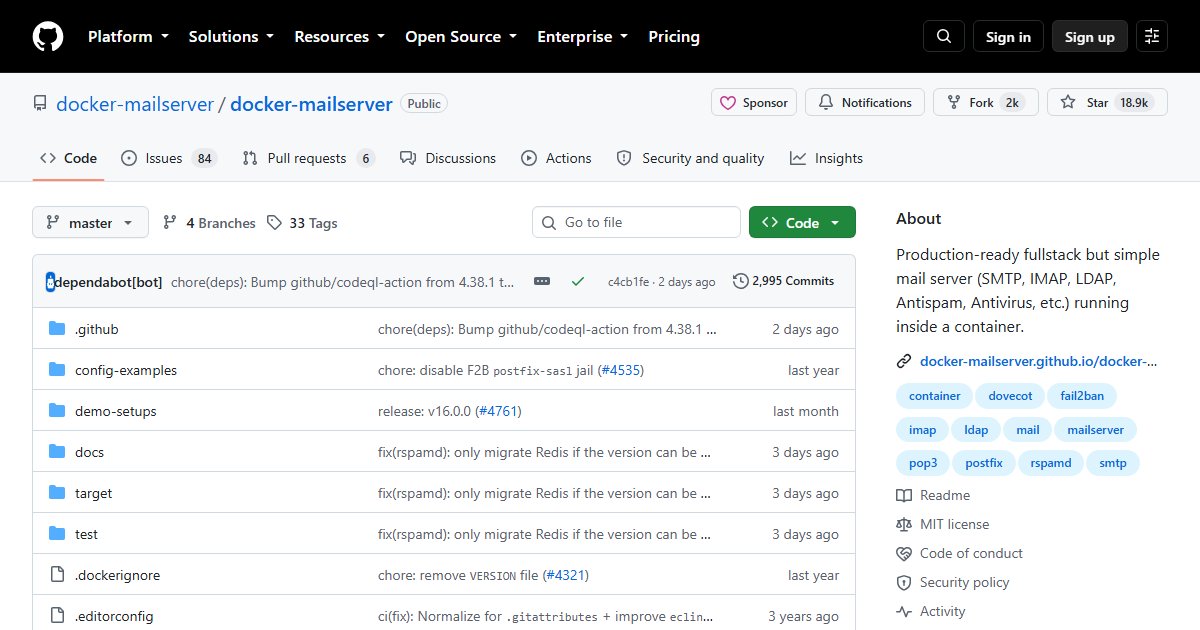
docker-mailserver: A Full Mail Server in One Container, Configured by Files
docker-mailserver (DMS) packages a complete, production-grade mail server into a single container. It uses the standard, battle-tested components, and replaces a database and web panel with plain configuration files, which makes it easy to version, back up, and upgrade.
Components
| Job | Software |
|---|---|
| Sending and receiving (SMTP) | Postfix, with Postscreen |
| Mailboxes (IMAP, POP3), filters, quotas | Dovecot, with Sieve |
| Spam filtering | Rspamd or SpamAssassin, plus Postgrey |
| Antivirus | ClamAV |
| Signing and policy | OpenDKIM, OpenDMARC, SPF |
| Brute-force protection | Fail2ban |
| Certificates | Let’s Encrypt integration |
| Fetching from other accounts | Fetchmail, Getmail |
LDAP and OAuth2 authentication are also supported.
How you manage it
There is no web UI. You manage accounts, aliases, and DKIM keys with the setup script inside the container, and everything else through config files mounted into it:
docker exec -it mailserver setup email add user@example.com
docker exec -it mailserver setup config dkim
The documentation is thorough and covers DNS records, ports, and security in detail.
Before you self-host email
Running a mail server is very doable with DMS, but deliverability is the hard part: your server’s IP needs a good reputation, correct reverse DNS, and properly published SPF, DKIM, and DMARC records, and some residential and cloud IP ranges are blocked outright. Read why self-hosted email is hard first. Many people use DMS for receiving and storage while sending through a relay.
Alternatives
- Mailcow: similar components with a full web UI and groupware
- Mox: a single Go binary that automates much of the setup
- Stalwart: a modern all-in-one mail server in Rust
- Mail-in-a-Box: an opinionated appliance for a dedicated server
For webmail on top, add Roundcube or SnappyMail.
License
MIT.