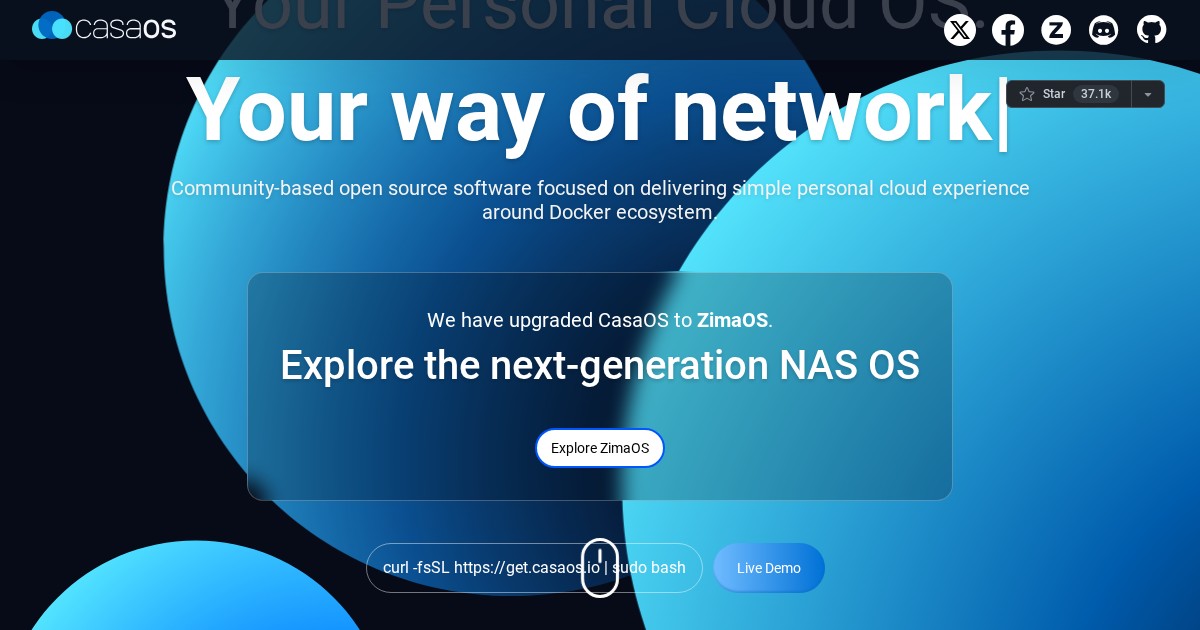
CasaOS: Home Cloud Operating System
CasaOS turns a spare machine into a home server appliance, providing an app store, file manager, and dashboard on top of Docker.
Why self-host CasaOS
Docker Compose is the right tool once you are comfortable with it, and a genuine barrier before that. CasaOS closes that gap with a curated app store: browse, click install, and the container is running with sensible defaults and a tile on your dashboard. For a first home server, or for a household where you are the only person who wants to touch a terminal, it removes most of the friction.
What it does
CasaOS falls into the Home Server category of self-hosted software. It provides a web dashboard with system resource monitoring, an app store of one-click Docker applications, a browser-based file manager with sharing, external drive and storage management, and simple user handling. Because everything underneath is standard Docker, apps installed through CasaOS remain inspectable and manageable with normal Docker commands.
Community traction
The project has over 36k stars on GitHub and is one of the most recognizable entry points into self-hosting, frequently recommended to people setting up their first server.
Deployment
CasaOS installs onto an existing Debian, Ubuntu, or Raspberry Pi OS system with a single shell script rather than replacing the operating system. That means you keep the underlying distribution and can continue managing it normally.
Alternatives
Umbrel and Tipi occupy the same beginner-friendly app-store niche. YunoHost is the more opinionated full-distribution equivalent. Cosmos targets similar users with more emphasis on security and reverse proxying.
License
CasaOS is released under the Apache License 2.0.
Links
CasaOS is the gentlest on-ramp to self-hosting that still leaves you with a normal Linux box underneath.