Raspberry Pi OS September Update Adds a Dock and a New Screenshot Tool
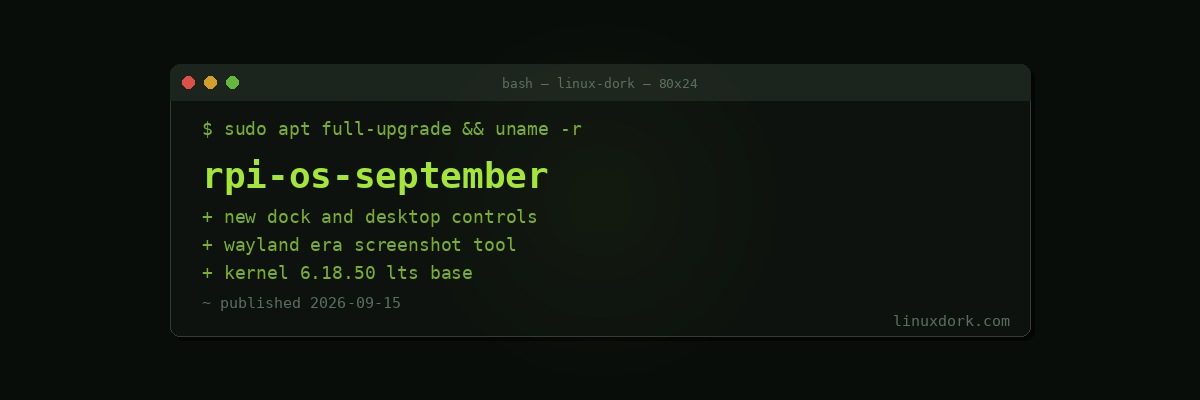
The September 2026 Raspberry Pi OS update adds a new dock, revamped desktop controls, a new screenshot tool, and moves to Linux 6.18.50 LTS.
The desktop changes
Raspberry Pi OS has been steadily reworking its desktop, and the constraint shaping every decision is that it must remain usable on modest hardware.
A dock and revised controls are conventional desktop features. Doing them without the memory and compositing overhead that GNOME or KDE assume is the actual work. The Pi 5 has real performance, and Raspberry Pi OS still has to run acceptably on older boards with a gigabyte of memory, which rules out most of what a modern desktop does by default.
The new screenshot tool is more interesting than it sounds, because Raspberry Pi OS has been moving toward Wayland. Under Wayland, screen capture goes through the portal system rather than an application reading the screen directly, so a Wayland-era screenshot tool is a rewrite rather than a port. Our Wayland screenshots guide covers why the old tools stopped working.
Kernel 6.18.50 LTS
An LTS series, which is the right choice here.
Raspberry Pi hardware depends on out-of-tree drivers and device tree overlays for the camera, GPIO, and display interfaces. Those need maintaining against whatever kernel ships, and an LTS base means that work is done once and holds for years rather than being redone every cycle.
It is a different tradeoff from a desktop distribution chasing current hardware support, and it fits a platform where the hardware is known and fixed.
Note this is 6.18.x, not the 7.x series now in release candidates. For an embedded platform, being a couple of major versions behind on a supported LTS is normal and correct.
What Raspberry Pi OS is for
Worth stating, because people ask whether to run something else.
It is Debian with Raspberry Pi’s kernel, firmware, and hardware support. The reason to use it rather than plain Debian or Ubuntu on a Pi is that the camera, GPIO, hardware video decode, and display interfaces work without assembling anything.
For a headless server, Debian or Ubuntu on a Pi is entirely reasonable and you give up little. For anything touching the hardware interfaces that make a Pi interesting, Raspberry Pi OS saves real effort.
DietPi remains the option for a minimal headless install where you want the hardware support without the desktop.
sudo apt update && sudo apt full-upgrade
uname -r
Back up the SD card before a large update. SD cards fail, and they tend to fail during writes, which is what an upgrade is. Our Clonezilla guide covers imaging, though for a Pi the simpler route is dd to a file on another machine, which our dd explainer covers.