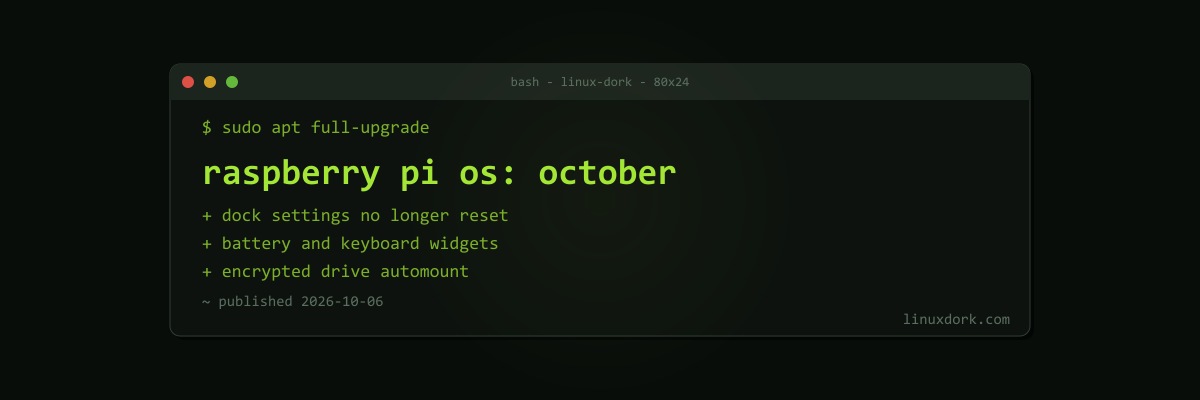
Raspberry Pi OS October Update Fixes the Dock, Adds Battery Widgets, and Automounts Encrypted Drives
Raspberry Pi released a new Raspberry Pi OS image on October 6, three weeks after the September 15 release. It is a polish release for the desktop.
Dock and taskbar
- Switching between the dock and the taskbar no longer resets your appearance settings
- Changing the dock’s size or position in Control Centre now adjusts the desktop margins correctly
- The default dock adds battery and Squeekboard (on-screen keyboard) widgets, useful on battery-powered and touchscreen setups
Other changes
- Encrypted drives can be automounted, alongside better removable storage handling in general
- Tooltips in Control Centre’s widget panel
- Fixes for several crashes during Control Centre panel start-up
Raspberry Pi OS is based on Debian 13 “Trixie”; a Legacy image based on Debian 12 remains available for older software.
Getting it
Existing installations get the changes with a normal update:
sudo apt update && sudo apt full-upgradeFor a new install, Raspberry Pi Imager fetches the latest image. Our LUKS guide covers creating an encrypted drive to take advantage of the new automount support.