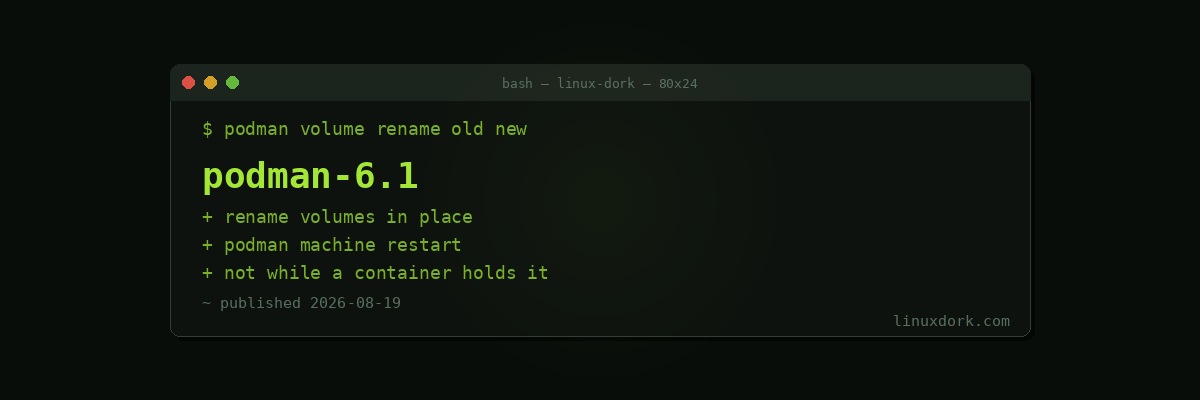
Podman 6.1 Adds Volume Renaming and a Machine Restart Command
Podman 6.1 shipped with two additions that fix small, persistent annoyances rather than adding anything architectural.
Renaming volumes
The new podman volume rename command renames an existing volume without recreating it.
Anyone who has picked a bad volume name and then had to live with it will appreciate this. The previous approach was to create a new volume, copy the data across, update every reference, and delete the old one, which is a lot of ceremony for a naming mistake.
podman volume rename old-name new-nameTwo restrictions apply: volumes created through volume drivers cannot be renamed, and neither can volumes currently in use by a container. Stop the container first.
Restarting machines
podman machine restart restarts a VM managed by podman machine in one step instead of requiring a stop followed by a start.
podman machine restartThis matters most on macOS and Windows, where every Podman container runs inside a managed VM, but it applies anywhere you use podman machine. Configuration changes that require a VM restart were previously a two-command dance that was easy to half-complete.
The rest
The release also carries a broad set of bug fixes, which is the majority of what a 6.x point release does.
Podman’s position
Podman continues to occupy the “Docker-compatible but daemonless and rootless by default” niche, and the compatibility has been good enough for long enough that switching is mostly a matter of aliasing the command.
The architectural difference still matters. Docker’s daemon runs as root and every container is a child of that daemon; Podman runs containers as direct children of your shell under your own user. For anyone running containers on a machine they also use for other things, that is a meaningfully smaller blast radius.
Our Docker and Podman basics guide covers the differences in practice, and the docker run builder generates commands that work with either, since the flags are compatible.
# Upgrade
sudo dnf upgrade podman     # Fedora
sudo pacman -Syu podman     # Arch
sudo apt install --only-upgrade podman  # Debian and Ubuntu