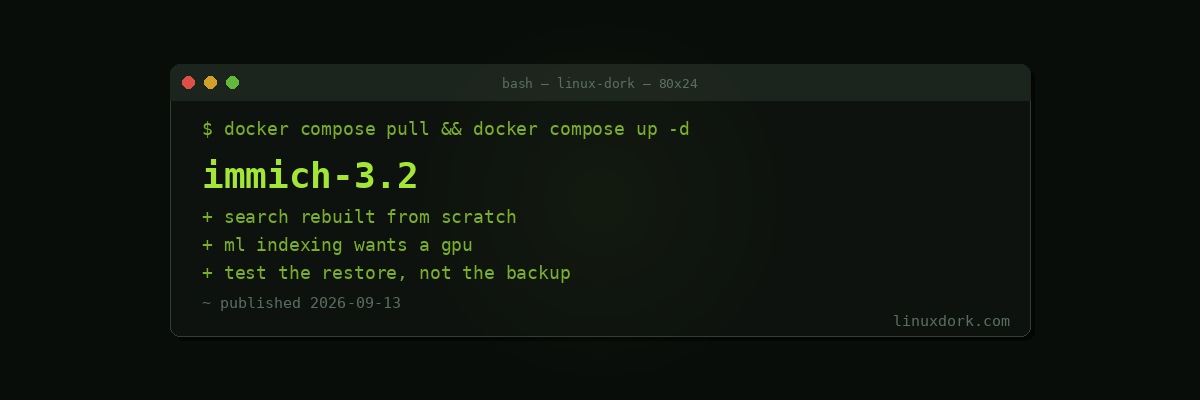
Immich 3.2 Released with Redesigned Search
Immich 3.2 is out with a redesigned search interface.
For a photo library, search is not a feature among others. It is the thing that decides whether twenty years of photographs are an archive or a landfill.
Why Immich matters
Immich is the self-hosted alternative to Google Photos, and it is one of the few projects in that category that genuinely competes with the commercial product rather than merely existing as a principled substitute.
The feature set is close to complete: automatic mobile backup on iOS and Android, facial recognition and grouping, object and scene recognition, map view from EXIF location data, shared albums, timeline browsing, and machine-learning search that finds photos by description rather than filename.
That last one is the feature people do not expect to work. Searching for “dog on a beach” and getting the right photographs out of a library of forty thousand, with all the inference running on your own hardware, is the thing that makes people stop paying Google.
The search rebuild
Search in a photo application spans several distinct mechanisms: metadata (date, camera, lens, location), faces, machine-learning content matching, albums, and free text. Presenting all of that in one interface without it becoming either simplistic or overwhelming is genuinely difficult interface design.
Rebuilding it suggests the project reached the point where the accumulated approach was not scaling, which is a normal and healthy thing for a fast-moving project to conclude.
Running it
Immich is Docker Compose and reasonably straightforward to stand up. Our Docker Compose guide and the compose generator cover the mechanics.
Things worth knowing before you commit:
Machine learning wants resources. Facial recognition and content indexing over a large existing library is a substantial one-time job. It will use whatever CPU you give it for hours or days. A GPU helps enormously if you have one, and our self-hosted AI category covers the wider picture of running inference locally.
Storage adds up. Photo libraries grow without anyone deciding they should. Plan capacity with room, and put it somewhere you can expand. ZFS or LVM both make that less painful later.
Back it up properly. This is the important one. The entire point is that your photographs are on hardware you control, which also means the entire responsibility is yours. A self-hosted photo library without a tested off-site backup is worse than Google Photos, not better. Our backup guide covers doing that properly, and “tested” means you have actually restored from it.
Breaking changes happen. Immich has historically moved fast and occasionally required manual migration steps. Read the release notes before upgrading rather than after.
For a project that started as one person’s side project, the pace and polish have been remarkable, and it is now one of the strongest arguments for self-hosting generally.