Woodpecker CI 3.18 Adds Pipeline Log Downloads and Tightens Plugin Environment Handling
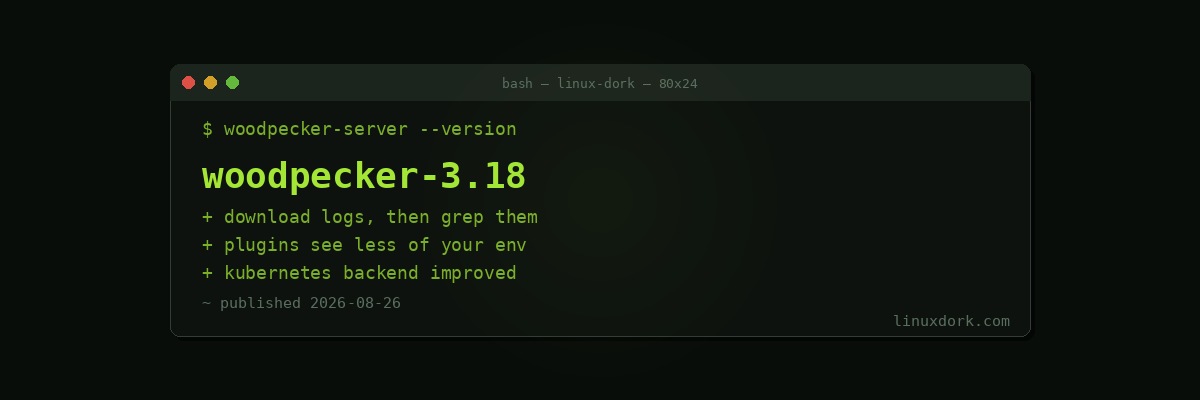
Woodpecker CI 3.18 shipped on August 25 with pipeline log downloads, tighter plugin environment handling, Kubernetes backend improvements, and bug fixes.
Where Woodpecker fits
It is a self-hosted continuous integration server, originally forked from Drone, aimed at people who want CI without running GitLab or depending on a hosted service.
The appeal is proportionality. A homelab or a small team with a few repositories does not need an enterprise CI platform, and Woodpecker is a server and some agents that run pipeline steps in containers. It integrates with Gitea, Forgejo, GitLab, GitHub, and Bitbucket.
Downloadable logs
Pipeline logs can now be downloaded rather than only read in the browser.
This is one of those additions that sounds trivial and is immediately useful. A failing build with several thousand lines of output is painful to scroll through in a web interface and straightforward to search once it is a file on your machine and you can use grep on it.
Plugin environment handling
The security-relevant change. Plugins now get tighter control over what environment they can see.
CI plugins are containers that run with access to your pipeline, and pipelines hold credentials: registry tokens, deployment keys, API secrets. A plugin that can read the whole environment can read all of it, and CI systems have historically been generous here because restricting it breaks things.
Reducing what a plugin sees by default is the correct direction. Anyone running third-party plugins should care about this, and everyone runs third-party plugins.
It is a good moment to check what your pipelines actually expose. Secrets scoped to specific pipelines rather than available globally, and a secrets manager such as Infisical or OpenBao rather than values in the configuration, are both worth the setup.
Kubernetes backend
Improvements for the Kubernetes backend, which runs pipeline steps as pods rather than plain containers. Relevant if your CI already lives in a cluster; irrelevant otherwise.
Running it
Docker Compose with the server and one or more agents. Our compose generator produces the file, and a reverse proxy in front handles TLS.
Agents can run on separate machines from the server, which is how you give builds more resources than the machine hosting the web interface has.