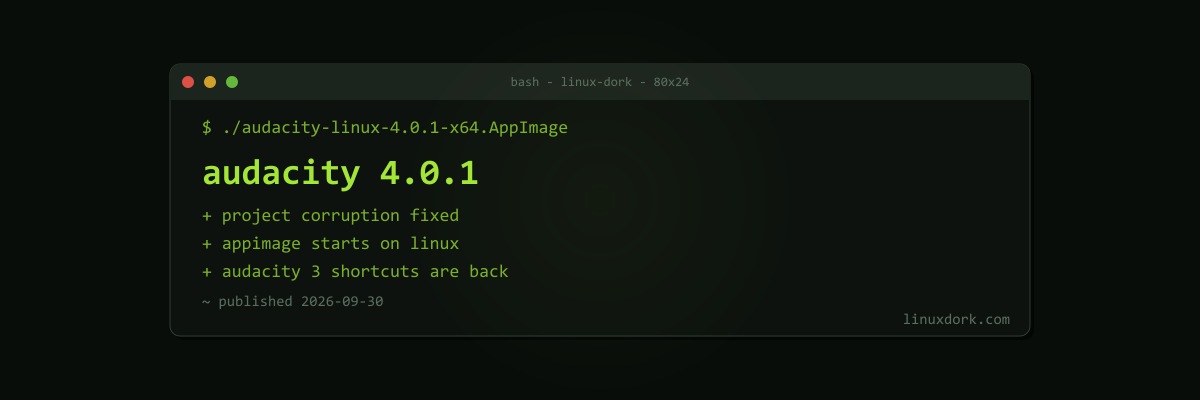
Audacity 4.0.1 Fixes Project Corruption and Linux AppImage Startup, Restores Audacity 3 Shortcuts
Audacity 4.0.1 arrived on September 30, the first point release after the Qt-based Audacity 4.0 redesign. A major rewrite always ships with sharp edges, and this release files down the worst of them.
Data safety fixes
The most important fixes protect your work:
- Project corruption from failed saves is fixed
- Corrupted clips when converting
.aup3projects from Audacity 3 are fixed - Files with non-ASCII characters in their names or paths now open
- Upper-case extensions such as
.WAVare recognised
If you upgraded to 4.0 and converted Audacity 3 projects, keep the originals until you have checked the converted versions under 4.0.1.
Linux fixes
The AppImage had installation and startup problems on Linux, which are resolved. AppImages bundle their libraries, but they still depend on the host for things like FUSE; our Snap vs Flatpak vs AppImage comparison covers where each format can trip up.
Shortcuts are back
Audacity 4 changed many keyboard shortcuts, which was a real productivity hit for people with years of muscle memory. 4.0.1 restores the Audacity 3 shortcuts. Keyboard navigation also improved for the timeline, track rulers, and Effects panel, and toast notifications now work with the keyboard and screen readers.
Other improvements
- Export Multiple can batch-export individual tracks or labelled regions
- Fixes for VST3 settings reverting during playback, effect value entry, and a crash when dragging clips
- Faster moving of labels and clips between tracks, and faster undo/redo in effect-heavy projects
- A portable build for Windows
Audacity is available as an AppImage from the project, on Flathub, and from distribution repositories as they update.