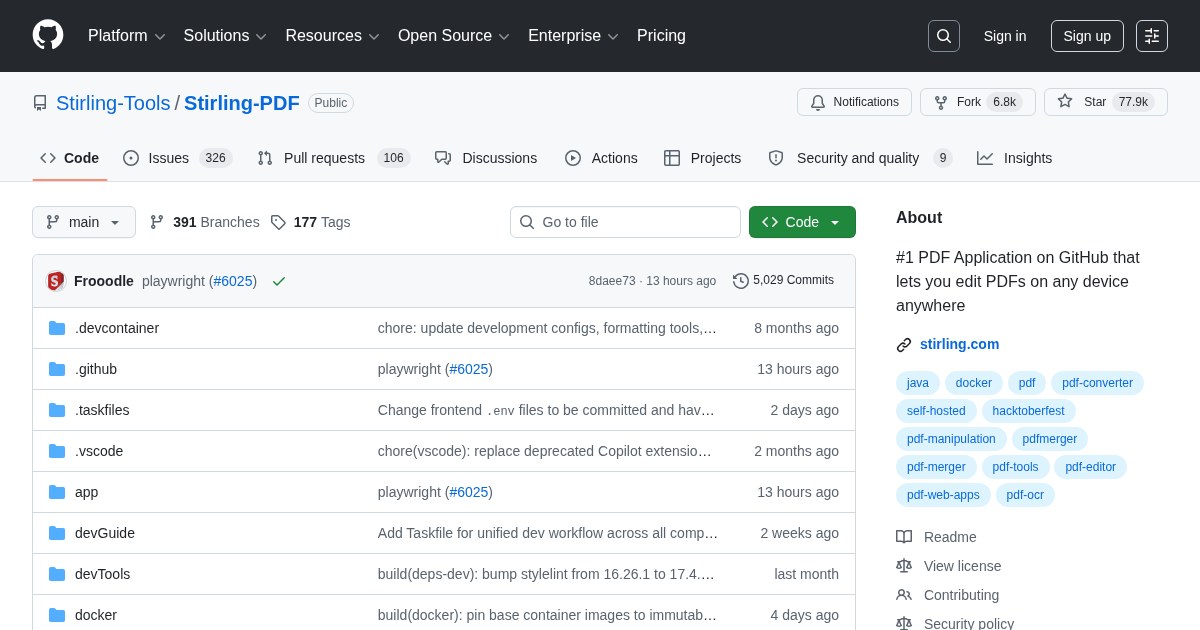
Stirling PDF: Self-Hosted PDF Toolkit
Stirling PDF provides the operations people normally hand to random online PDF converters, on a server you control.
The privacy argument is the whole point
Merging two PDFs, removing a page, or converting a document is trivially easy on dozens of free websites, and every one of those uploads your document to someone else’s infrastructure. For contracts, medical records, financial statements, and anything under NDA, that is a genuine problem that people ignore because the alternative was inconvenient. Stirling PDF removes the inconvenience.
What it covers
Merge, split, rotate, and reorder pages; convert to and from images and Office formats; compress; OCR scanned documents to make them searchable; add or remove passwords; watermark; fill forms; sign; and repair damaged files. It runs to dozens of individual tools reachable from one interface.
Deployment
A single Docker container. Different feature groups have different dependency weights, and the project publishes image variants accordingly: a lightweight image without OCR and Office conversion, and fuller images that include them. Choose based on what you actually need, since the full image is considerably larger.
Practical placement
This is a natural companion to Paperless-ngx: Paperless archives and searches documents, Stirling manipulates them before or after filing. Both benefit from being on the same internal network and neither belongs on the public internet.
License
Stirling PDF is released under the MIT License.