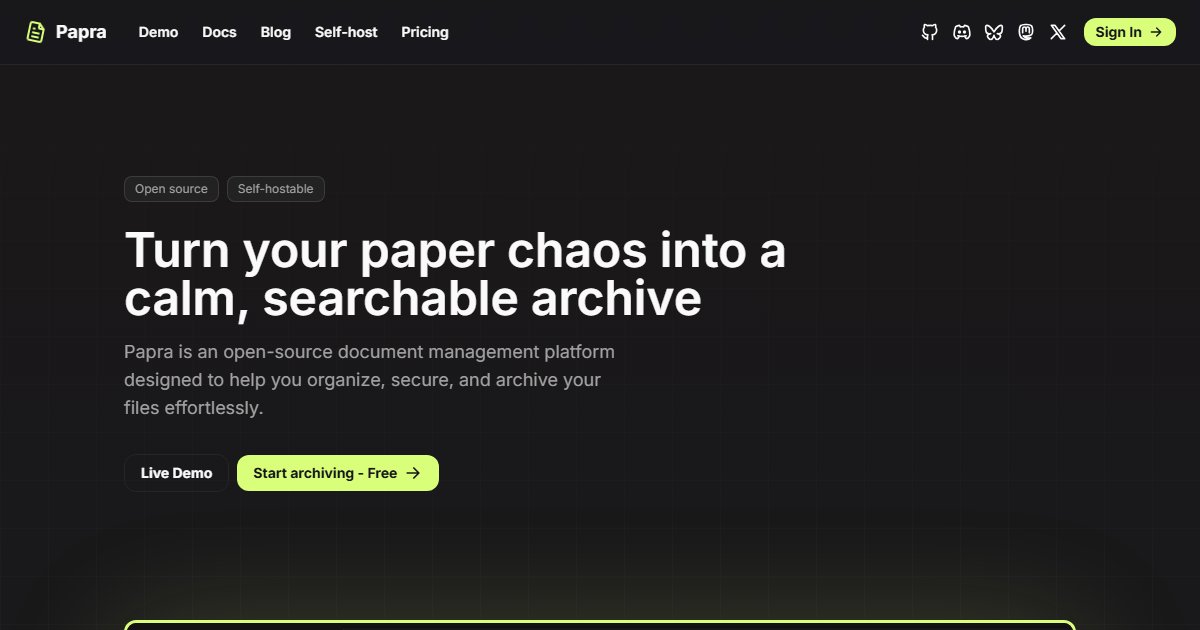
Papra: Minimal Document Archiving With OCR, Tags, and Email Import
Papra is a place to put documents you need to keep: receipts, contracts, statements, manuals, letters. It extracts their text so you can find them later by searching what they say. It deliberately aims to be smaller and simpler than Paperless-ngx.
Features
- OCR and text extraction from scanned images and PDFs
- Full-text search with filtering
- Tags, plus rules that tag documents automatically based on their content
- Email ingestion: each organization gets an address, and forwarded attachments are imported
- Organizations for sharing an archive with family or colleagues
- Share links with optional expiry and password
- A clean, responsive interface with dark mode
Deployment
A single container is enough to start:
docker run -d --name papra -p 127.0.0.1:1221:1221 \
  -e AUTH_SECRET="$(openssl rand -hex 32)" \
  -v /srv/papra:/app/app-data \
  ghcr.io/papra-hq/papra:latest
Set AUTH_SECRET to a long random value and keep it; check the documentation for the current data volume path and configuration options such as email ingestion.
Papra or Paperless-ngx?
Paperless-ngx is more powerful: machine-learning-based auto-classification of correspondents and document types, workflows, consumption folders from scanners, and a large ecosystem of mobile apps like Paperless Mobile. It also has more moving parts: a database, Redis, and a task worker.
Papra suits people who want the core idea, scan it, forget it, search for it later, without running a small stack. If you find yourself wanting Paperless’s classification and workflows, it is easy to graduate.
Whichever you pick, an archive of important documents belongs in your backup plan.
License
AGPL-3.0.