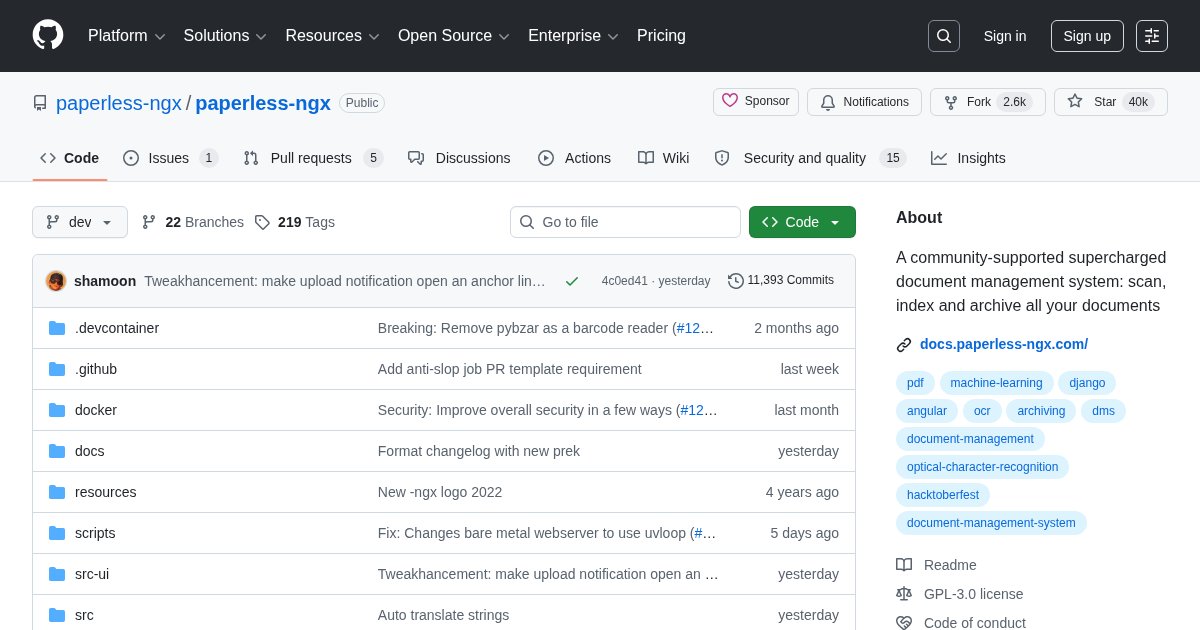
Paperless-ngx: Document Management and OCR Archive
Paperless-ngx ingests scanned documents, runs OCR on them, and files them into a searchable archive. It is the tool that makes going paperless actually work rather than producing a folder of unnamed PDFs.
How the pipeline works
Drop a file into the consume directory, or email it in, and Paperless-ngx runs OCR to extract text, then applies matching rules to assign a document type, correspondent, and tags. The original file is preserved unchanged alongside a searchable PDF. From then on you find documents by searching their contents rather than remembering where you filed them.
The matching engine learns: after you correct a few classifications manually, its automatic assignment becomes reliable for recurring correspondents like utilities and banks.
Why it beats a folder structure
Filing systems fail because the category you choose today is not the one you search for in three years. Full-text search across everything sidesteps that entirely. Finding a warranty by searching the model number, or a tax document by searching an amount, is the moment the archive proves its worth.
Practical setup
The consume directory paired with a network scanner that can write to an SMB share is the workflow most people settle on: scan, walk away, and the document appears filed. Mobile capture through Paperparrot, Paperless Mobile, or Swift Paperless covers receipts and letters away from the scanner.
Backups deserve real thought
This becomes the authoritative copy of your important paperwork. Back up the media directory and the database together, and test a restore at least once. An archive you cannot restore is worse than a filing cabinet because it feels safe.
Deployment
Docker Compose with PostgreSQL, Redis, and a Tika or Gotenberg container if you want Office document support. OCR is CPU-heavy on ingest and idle afterwards.
License
Paperless-ngx is released under the GNU General Public License v3.0.