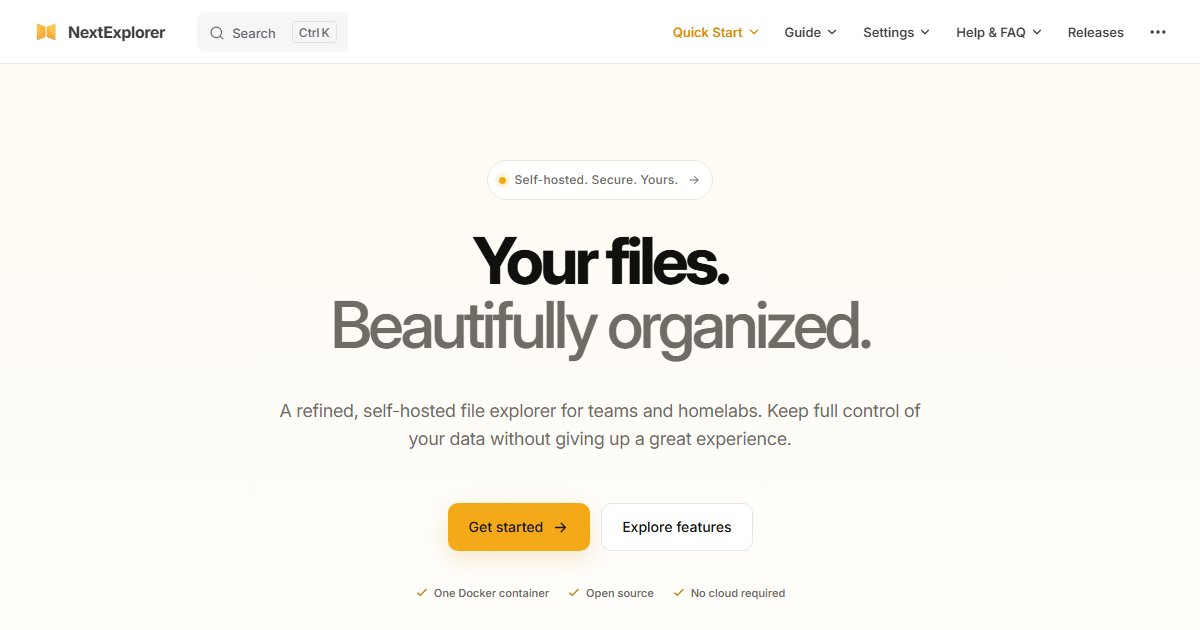
nextExplorer: A Modern Web File Manager With SSO and Sharing
nextExplorer is a web-based file manager: point it at directories on your server and browse, preview, edit, share, and search them from any browser. It arrived at a convenient moment, since File Browser, the long-time default for this job, was archived in September 2026.
Features
- Local users and groups, plus optional OIDC single sign-on
- Previews for images, video, and PDFs, with thumbnails generated through FFmpeg
- A built-in text and code editor with syntax highlighting
- Link-based sharing, read-only or read-write
- Fast search backed by ripgrep
- Grid, list, and column views with drag and drop
Deployment
It ships as a Docker image, nxzai/explorer. Mount the directories you want to expose as volumes, and only those. A file manager can only reach what you give it, which makes the volume list your main security control:
services:
  explorer:
    image: nxzai/explorer:latest
    ports:
      - "127.0.0.1:3000:3000"
    volumes:
      - /srv/media:/data/media:ro
      - /srv/shared:/data/shared
Check the project’s README for the exact internal port and configuration variables. Binding to 127.0.0.1 and putting it behind a reverse proxy with HTTPS is the safe default. If you already run an identity provider such as Pocket ID or Authentik, connect it through OIDC.
How it compares
- File Browser: the closest match, but archived with known unfixed security issues. Move off it
- Copyparty: more protocols (WebDAV, SFTP, FTP, SMB) and resumable uploads, with a more utilitarian interface
- Filestash: connects to remote backends like S3 and SFTP rather than just local disks
- Nextcloud: a full cloud suite with sync clients, far heavier
nextExplorer is a young project, so evaluate it before exposing it to the internet.
License
GPL-3.0.