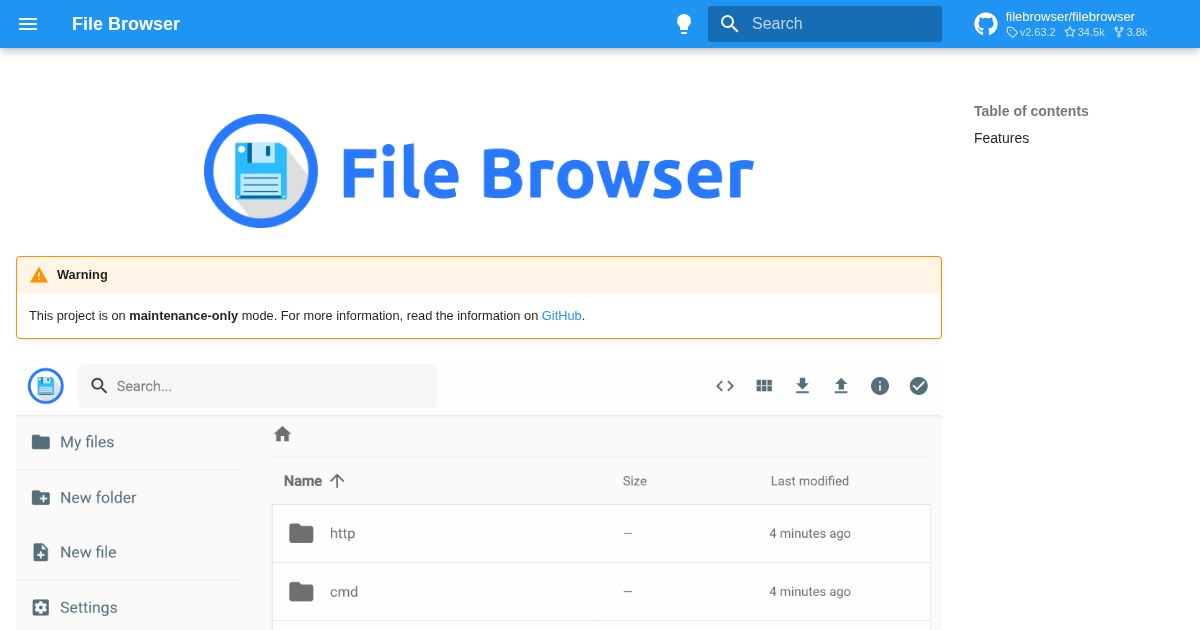
FileBrowser: File managing interface for specified directories
Archived: File Browser was archived on September 1, 2026. The maintainers say there will be no further releases, bug fixes, or security fixes, and two known classes of security issue (command execution and session/JWT handling) will not be fixed. If you still run it, do not expose it to the internet, keep the command runner disabled, and run it unprivileged in a container. For a maintained replacement, see nextExplorer or Copyparty.
FileBrowser is a self-hosted file management tool. File managing interface for specified directories.
Why self-host FileBrowser
The case for running FileBrowser at home is straightforward: you get the full feature set, no subscription cost, and no data sitting on someone else’s server.
What it does
FileBrowser falls into the File Management category of self-hosted software. It is designed to be deployed on your own infrastructure, whether that is a home server, a VPS, or a local machine running Docker.
Community traction
The project has 25k stars on GitHub, which is a reasonable proxy for how widely it is used. Active repositories tend to ship bug fixes faster and have better documentation than projects that stall after the initial release.
Deployment
Docker is the most common deployment path. If you are already running containers at home, adding FileBrowser to a compose file is a low-friction way to try it.
Maturity
The current release is 2.30.0. The project has moved past early development and tends to ship stable, documented releases.
License
It is licensed under Apache-2.0, making it freely available for personal and commercial use.
Links
Whether you are just starting with self-hosting or adding to an existing setup, FileBrowser is a reasonable pick in the file management space.