Nextcloud: Self-Hosted File Sync and Collaboration
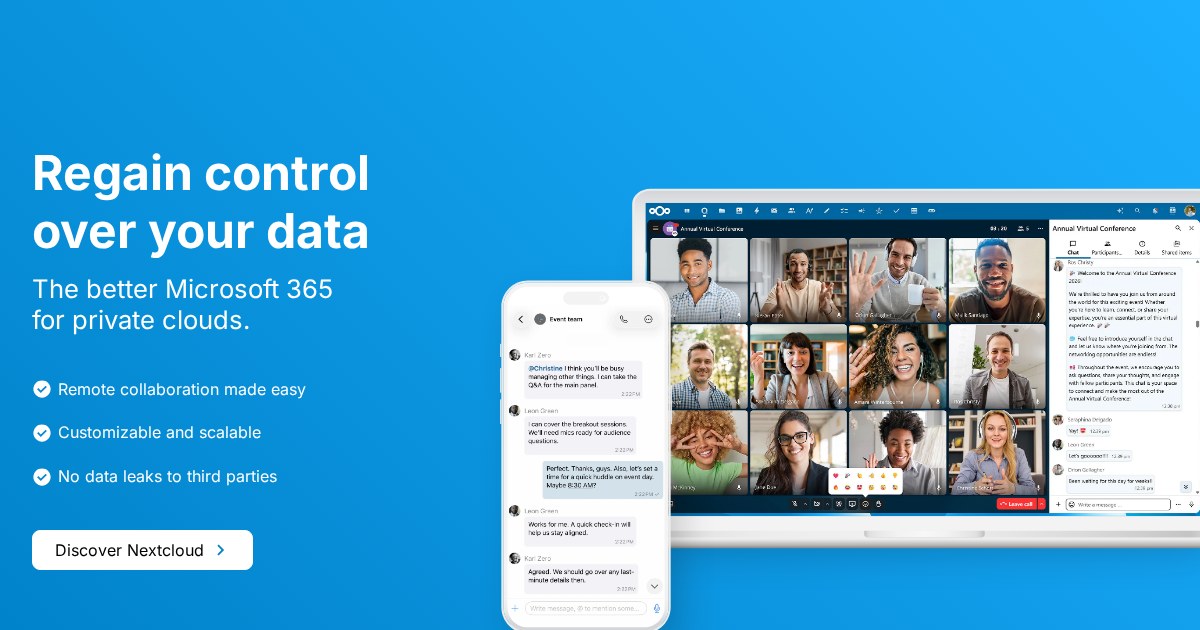
Nextcloud is the self-hosted answer to Google Workspace or Microsoft 365: file sync and share at its core, extended by an app ecosystem into calendars, contacts, office documents, chat, and more.
What you actually get
The base install handles file storage with desktop sync clients for Linux, macOS, and Windows, mobile apps with camera upload, sharing by link with expiry and passwords, and versioning. Calendars and contacts sync over CalDAV and CardDAV, which means they work with standard clients rather than only Nextcloud’s own. Collabora or OnlyOffice integration adds genuine collaborative document editing in the browser.
The scope question
Nextcloud’s breadth is both the attraction and the main criticism. Every app you enable adds background jobs, database load, and upgrade surface. Instances that enable everything tend to feel slow and break more often at upgrade time. Running it as a file sync platform with two or three apps you actually use is a substantially better experience than treating it as an office suite.
Performance planning
Nextcloud is a PHP application, and performance depends heavily on doing the setup properly: PHP-FPM tuned appropriately, Redis for file locking and caching, a real database rather than SQLite, and cron-based background jobs rather than AJAX. Skipping those is the usual reason people describe Nextcloud as slow.
Alternatives
Seafile is faster and more focused for pure file sync, storing data in its own block format. ownCloud is the project Nextcloud forked from. Syncthing does peer-to-peer sync with no server and no web interface, which is a different model entirely.
License
Nextcloud is released under the GNU Affero General Public License v3.0.