Dokku: git push Deployments on Your Own Server
Dokku is the smallest practical way to get Heroku-style deployments on a server you own. You add a git remote, run git push, and Dokku builds your app, runs it in Docker, and routes a domain to it. There is no web UI and nothing to click; that is the point.
How it works
# on the server, once
dokku apps:create myapp
dokku domains:set myapp myapp.example.com

# on your machine
git remote add dokku dokku@server:myapp
git push dokku main
Dokku detects how to build the app: Heroku-compatible buildpacks for common languages, Cloud Native Buildpacks, or your own Dockerfile. It then runs the result as containers behind nginx, with zero-downtime deploys.
Plugins
Much of Dokku’s power is in official plugins:
- Databases: PostgreSQL, MySQL, MariaDB, Redis, MongoDB, and more, linked to apps with one command
- Let’s Encrypt for automatic HTTPS
- Storage mounts, cron tasks, and resource limits
sudo dokku plugin:install https://github.com/dokku/dokku-postgres.git
dokku postgres:create mydb
dokku postgres:link mydb myapp
Installing
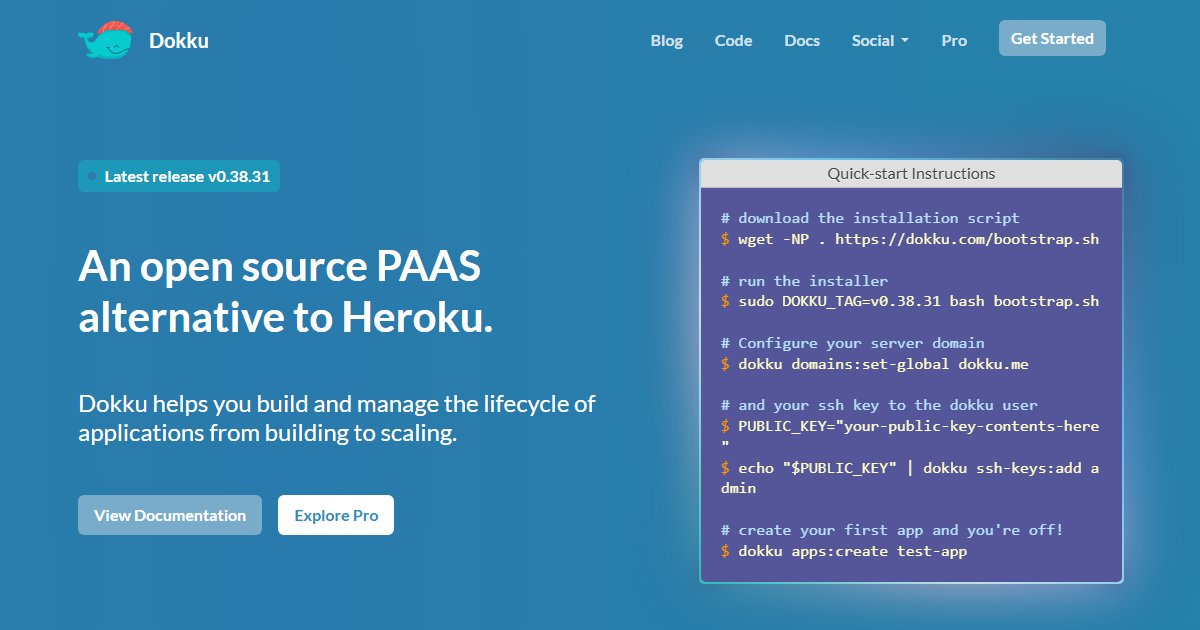
Dokku installs on Ubuntu 22.04+ or Debian 11+ (amd64 or arm64) with a bootstrap script from dokku.com, pinned to a version. Check the install page for the current release; the process is a download and one sudo bash bootstrap.sh. Set up SSH keys first, since pushing to Dokku uses SSH; see our SSH keys guide.
When to choose Dokku
Dokku suits developers who like the command line, want deployments scripted in CI, and run a handful of apps on one server. If you want a dashboard, a catalogue of one-click apps, or multiple servers, look at Coolify, CapRover, or Dokploy.
License
MIT.