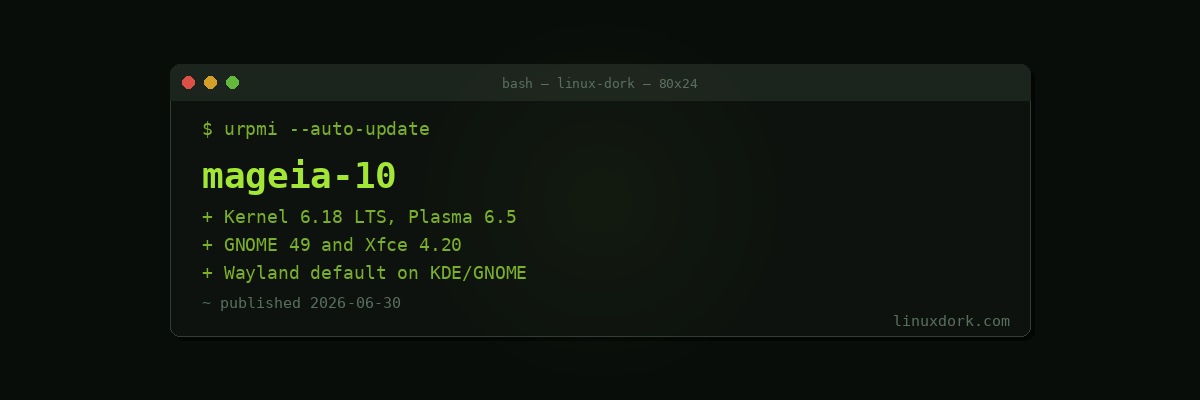
Mageia 10 Released: Kernel 6.18 LTS, KDE Plasma 6.5, and Wayland by Default
Mageia 10 officially released on June 30, 2026, almost three years after Mageia 9. Mageia is a community continuation of the Mandriva/Mandrake lineage, one of the older independent distribution families still under active development, and this release brings it fully current on kernel, desktop, and graphics stack versions.
Kernel and Graphics Stack
Mageia 10 ships on Linux kernel 6.18 LTS paired with the Mesa 26.0 graphics stack. Using an LTS kernel rather than the latest mainline release is a deliberate choice most stable-release distributions make, trading the newest hardware support for a kernel branch that will keep receiving backported fixes for years rather than being abandoned after a single short cycle.
uname -r
# 6.18.x
Desktop Environment Choices
Three desktop environments ship as first-class options: KDE Plasma 6.5.5 (accompanied by KDE Frameworks 6.22 and KDE Gear 25.12.1), GNOME 49, and Xfce 4.20. Both Plasma and GNOME move to Wayland by default in this release, while the Xfce edition remains X11-only, reflecting where each of the three desktop projects currently stands on Wayland compositor maturity.
echo $XDG_SESSION_TYPE
# wayland (on Plasma or GNOME editions)
# x11 (on the Xfce edition)
Notably, the KDE Plasma and GNOME editions both still offer an X11 session option alongside Wayland, so switching back is a login-screen setting rather than a reinstall if a particular application or driver combination has Wayland compatibility issues.
Bundled Software
The default software selection includes Mozilla Firefox 140.11.0 ESR, Mozilla Thunderbird 140.11.0 ESR, LibreOffice 26.2.3, and GIMP 3.2.4. Shipping ESR (Extended Support Release) branches of Firefox and Thunderbird rather than the rapid-release channel is consistent with Mageia’s general preference for stability over bleeding-edge version numbers within a given release.
Installing or Upgrading
# Mageia uses urpmi for package management
urpmi --auto-update
urpmq --list-media
Existing Mageia 9 users can upgrade in place through urpmi’s standard release-upgrade process, or do a fresh install from the Mageia 10 ISOs, which are offered in Classic (traditional installer) and Live (boot-and-try) variants across the three desktop options.
Why This Release Matters
A nearly three-year gap between major releases is unusually long by the standards of most community distributions, most stable-release distros ship annually or every two years. That gap makes Mageia 10 less a routine point release and more a full catch-up: moving from whatever kernel and desktop versions Mageia 9 shipped with straight to current LTS kernel and current KDE Plasma 6.x and GNOME 49, all at once. For existing Mageia users, this is the most significant version jump the distribution has offered in some time.