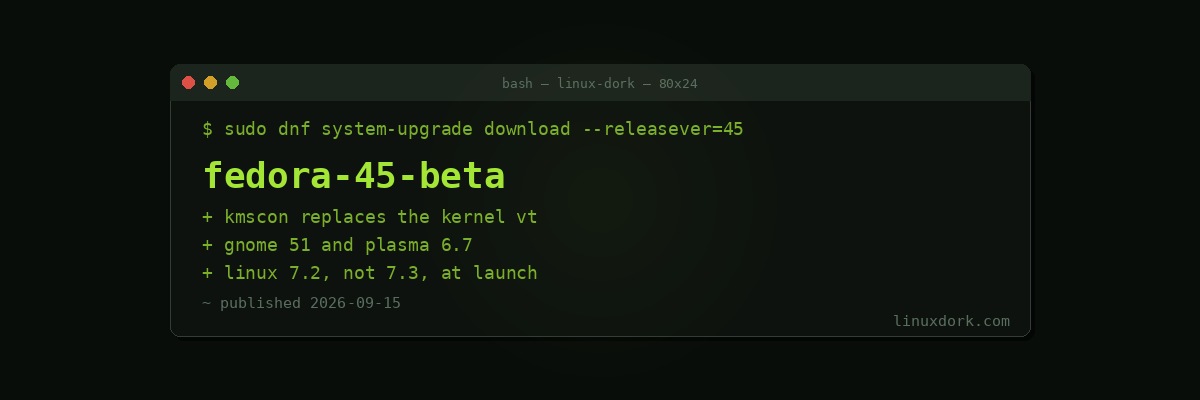
Fedora 45 Beta Arrives with Linux 7.2, GNOME 51, and kmscon
Fedora 45 Beta is out with Linux 7.2, GNOME 51, KDE Plasma 6.7, kmscon, Anaconda improvements, and updated toolchains.
kmscon
The change worth explaining, because it replaces something that has been the same for decades.
The kernel’s built-in virtual terminal, the thing you get on Ctrl+Alt+F3 and the thing that renders your boot messages, is old code with real limitations: a small fixed font selection, poor Unicode coverage, no proper support for complex scripts, and no HiDPI awareness. On a 4K display it renders at a size best described as theoretical.
kmscon replaces it with a userspace terminal built on KMS, DRM, and the same font rendering the rest of the system uses. That means real fonts, correct Unicode, working HiDPI, and hardware-accelerated drawing.
Two practical consequences:
The console becomes readable on modern hardware. Anyone who has tried to fix a broken boot on a high-resolution laptop will appreciate this more than any desktop feature in the release.
It moves code out of the kernel. The in-kernel VT is a chunk of legacy code with its own attack surface, and shrinking it is a long-term goal shared beyond Fedora.
The thing to test during beta is precisely the recovery scenario, since a console that works on a healthy system and fails when the graphics stack is broken would be worse than what it replaced. That is what a beta is for.
Desktops
GNOME 51 with the frame scheduling work and offline maps.
KDE Plasma 6.7 rather than 6.8, because 6.8 is not out yet. Fedora’s schedule and KDE’s do not line up this cycle, so the KDE spin ships the current stable.
Both on Wayland by default, which for GNOME is now the only default session.
Linux 7.2
Not 7.3, which is still in release candidates and due in late October, after Fedora 45’s expected release. Fedora usually rebases to the newer kernel shortly after launch, so early adopters will get 7.3 as an update rather than at install.
Anaconda
Continued work on the web-based installer, which Fedora has been moving toward for several cycles. Worth testing if you do unattended or kickstart installations, because that is the path where changes here have the most reach and the least visibility.
Beta, meaning beta
Fedora betas are generally solid and this is still pre-release software with a compressed schedule between beta and final.
Reasonable: a spare machine, a virtual machine, or a workstation you are comfortable reinstalling. Our KVM guide covers the VM route, which is the sensible way to try it.
Not reasonable: your only working machine, days before you need it.
# upgrade an existing Fedora install to the beta
sudo dnf upgrade --refresh
sudo dnf system-upgrade download --releasever=45
sudo dnf system-upgrade reboot
Back up first. Our backup guide covers doing that properly, and a distribution upgrade is one of the specific cases it exists for.
Final release is expected in October. Bug reports from beta testers are what make that date hold.