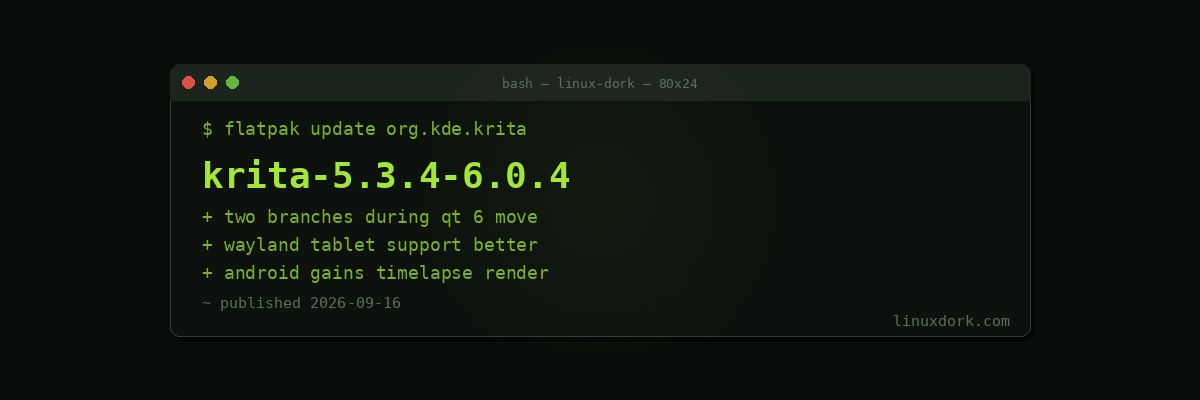
Krita 5.3.4 and 6.0.4 Ship Together with Android and Qt 6 Work
Krita 5.3.4 and 6.0.4 were released together. 5.3.4 adds Android animation and timelapse rendering; 6.0.4 continues the Qt 6 transition with newer Wayland support.
Why two branches
Maintaining two release lines is expensive, and projects only do it when a transition is large enough that users cannot all move at once.
5.3.x is the stable Qt 5 line, getting features and fixes for people who need reliability today.
6.0.x is the Qt 6 line, where the framework migration happens.
Qt 5 reached end of life, so the move is not optional. It is also not small: Qt 6 changed APIs across graphics, which for a painting application touching canvas rendering, colour management, and tablet input is substantial rework. Every one of those is a place where a regression is immediately visible to the user.
Shipping features to 5.3.x while 6.0.x stabilises is the right way to handle it, and it is why an artist mid-project is not forced onto a transitional branch.
Wayland and tablets
The 6.0.4 Wayland work is the interesting part for Linux users, because graphics tablets are one of the places Wayland took longest to get right.
Under X11, tablet handling went through a well-established but security-poor path. Wayland rebuilt it around the tablet protocol, with configuration moving into the desktop environment rather than xsetwacom. Getting pressure, tilt, and stylus buttons working correctly through that path took time, and Krita is one of the applications where any remaining gap is obvious immediately.
If you use a tablet with Krita, the two halves both need to be current: the application’s Wayland support, and the kernel driver. Our input-wacom download page covers the case where a tablet newer than your kernel needs the out-of-tree driver, and our Wayland explainer covers why the tooling differs.
Android
Animation and timelapse rendering on Android. Krita’s Android build is a real port rather than a companion app, which puts a full painting application on a tablet for free.
Timelapse rendering, which records the painting process and produces a video, is a feature artists use for social media and teaching, and having it on the platform where a lot of drawing happens is sensible.
Where Krita sits
It is the strongest open-source application in its category, and the category is specifically digital painting rather than image editing. Krita is aimed at people drawing from scratch: brush engines, canvas rotation, stabilisers, animation.
GIMP is for editing existing images. The two are frequently compared and are not really competitors, and using each for its purpose works considerably better than expecting either to do both.
flatpak update org.kde.krita