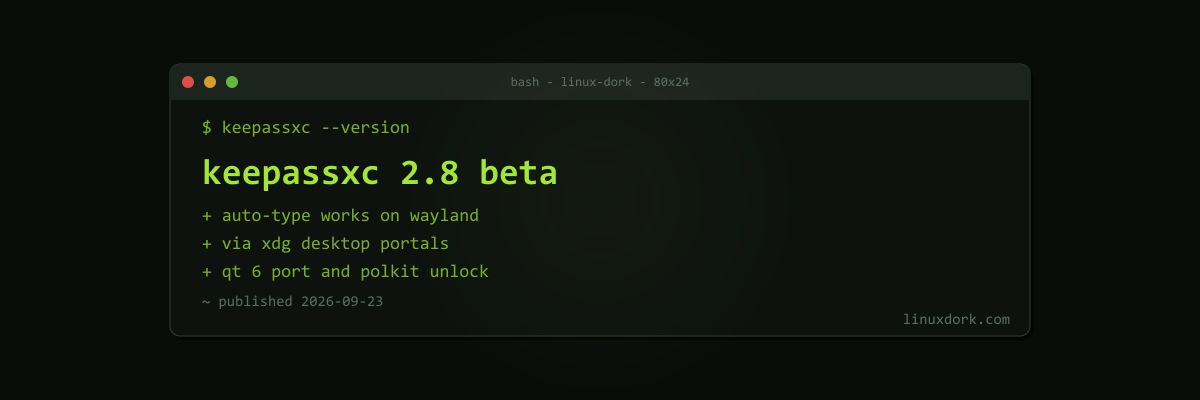
KeePassXC 2.8 Beta Finally Brings Auto-Type to Wayland, Plus a Qt 6 Port
KeePassXC 2.8.0-beta1 is out, and it fixes the single most common complaint about the password manager on modern Linux desktops: Auto-Type now works on Wayland.
Why Auto-Type broke on Wayland
Auto-Type is the feature that types your username and password into another window for you. Under X11 that was easy, because any X client can inject keystrokes into any other. That same property is why X11 is a security problem: any app can also read your keystrokes.
Wayland removed that ability on purpose. Apps cannot inject input into other windows, so KeePassXC’s Auto-Type simply stopped working for anyone on a Wayland session, which is now the default on GNOME, KDE Plasma, and COSMIC.
How 2.8 does it
The beta implements Auto-Type through XDG Desktop Portals, the same permission-mediated interface that handles screen sharing and file pickers. The portal asks you to approve the request, and then the compositor performs the input on KeePassXC’s behalf. Our XDG desktop portal explainer covers how that layer works.
The practical implication is that Wayland Auto-Type depends on your desktop’s portal backend supporting remote input. Recent GNOME and KDE Plasma releases do; smaller compositors may lag.
The rest of 2.8
- Qt 6 port, a long-running modernisation effort
- Configurable keyboard shortcuts
- Remote database synchronisation through external tools
- Quick unlock through Polkit on Linux, to reopen a locked database without retyping the master password
- The SSH agent integration can now generate RSA, ECDSA, and Ed25519 keys
- Linux state now follows the XDG spec and lives under
XDG_STATE_HOME - Better AppImage desktop integration and native Windows ARM64 builds
Security fixes
The beta also fixes several memory-safety bugs, including use-after-free and out-of-bounds errors in database importers. Importers are a real attack surface: if you import a database file someone sends you, a malformed file could previously crash the app or worse.
Should you install it?
Not on your main vault. The developers say plainly that the beta is not for production machines, and a password manager is the last place to accept data-loss risk. Try it against a copy of your database. If Wayland Auto-Type is the only thing you are missing, the stable 2.8 release is the one to wait for.
If you prefer a command-line manager instead, our pass password manager guide covers a GPG-based alternative that works the same everywhere.