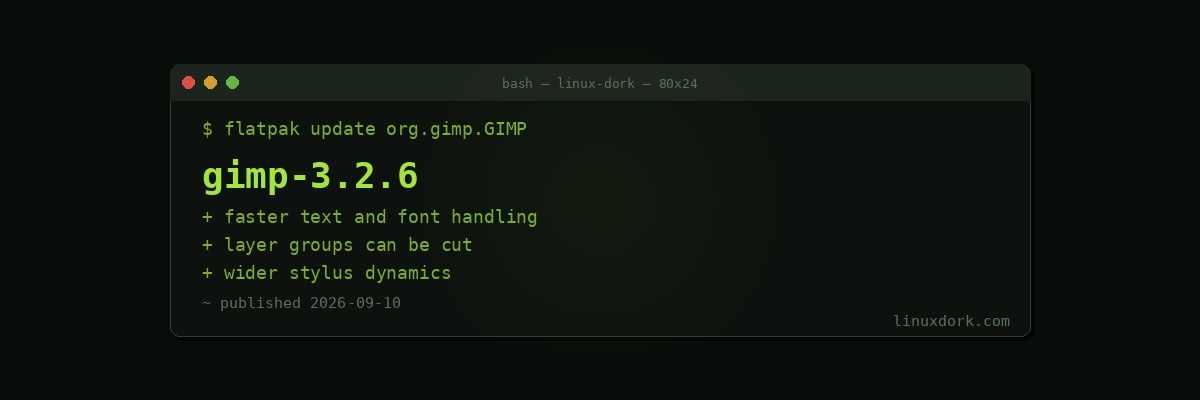
GIMP 3.2.6 Brings Faster Text Handling and Better Layer Editing
GIMP 3.2.6 improves text and font performance, adds layer-group cutting, expands stylus dynamics, and delivers a set of workflow refinements.
Text performance
Text handling has been one of GIMP’s more persistent irritations. Documents with many text layers, or systems with large font collections, produced noticeable delays on operations that should be instant.
Font enumeration is the usual culprit. Every text operation potentially touches the font list, and if that list has thousands of entries and is not cached well, everything involving text feels sluggish. Users with large font libraries, which is to say anyone doing design work, felt this most.
Layer group cutting
Being able to cut a layer group as a unit sounds minor and is the sort of thing that determines whether an application is pleasant to use. Layer groups are how any non-trivial composition is organised, and operations that work on individual layers but not on groups force you to do things the long way.
Stylus dynamics
Expanded pressure and tilt handling, which matters for anyone using a graphics tablet. GIMP’s painting tools have improved considerably, and tablet support is the difference between the painting tools being usable and being a demonstration.
Worth pairing with the kernel-side driver support if you have a Wacom tablet. Our input-wacom download page covers the case where a tablet newer than your kernel needs the out-of-tree driver.
Where GIMP is
The 3.0 release ended one of the longest development cycles in open source, and the pace since has been notably better: regular point releases with real improvements rather than years of silence.
The GTK3 port was the blocker, and getting past it freed the project to do the work users had been asking for. 3.2.6 is a good example of what that looks like in practice, which is unglamorous refinement rather than headline features.
The comparison people always want is with Photoshop, and the honest answer has not changed: GIMP is not a Photoshop replacement for someone whose workflow depends on Photoshop-specific features, non-destructive adjustment layers in their full form, or CMYK for print. It is entirely capable for a large amount of real image work, and it costs nothing.
For photographers specifically, darktable and RawTherapee are the better tools for RAW processing, with GIMP handling the pixel editing afterwards. Using the right tool for each stage works considerably better than expecting one application to do both.
flatpak update org.gimp.GIMP