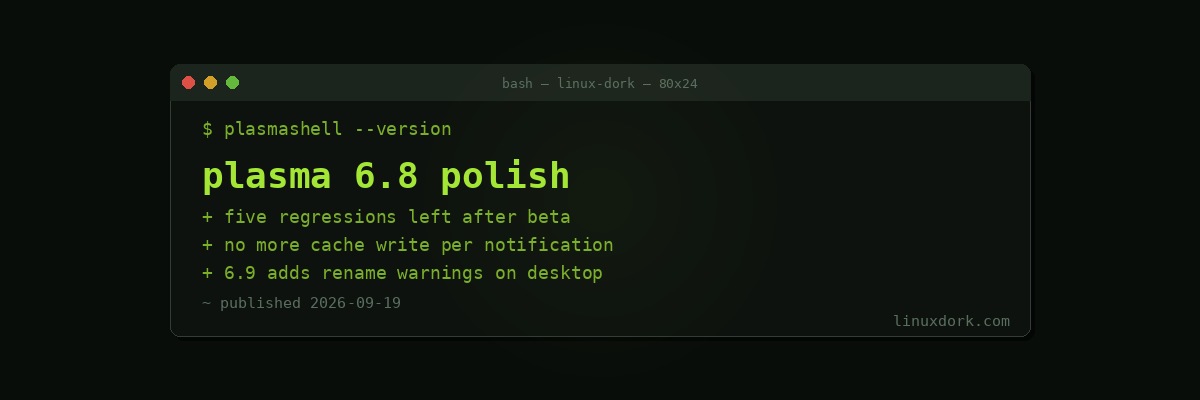
Plasma 6.8 Beta Is Down to Five Regressions, and 6.9 Work Has Already Started
A week after the Plasma 6.8 beta, KDE’s regression list sits at five bugs. For a desktop beta that is a strong position.
The five
All of them cluster around session and notification handling rather than anything structural:
- The logout screen losing focus
- Misaligned notifications
- Misaligned logout, restart and shutdown overlay on multi-monitor setups
- “Switch User” behaviour
Multi-monitor overlay alignment is the perennial one. Positioning a modal across displays of different resolutions, scale factors and orientations has more edge cases than it looks like it should, and it is exactly the category that survives testing because most developers have two identical monitors.
None of these eat data or prevent a session from starting, which is the distinction that matters at this point in a cycle.
What landed this week for 6.8
- Kup, the new backup solution shipping in 6.8, now reports elapsed time and gives more accurate average speed
- Desktop portal dialogs got further polish
- Plasma no longer writes to a cache file every time it shows a notification
- A KWin crash fix for specific titlebar button interactions
The cache file change is small and worth noticing. A write per notification is the sort of thing that is invisible on a desktop and irritating on a laptop, where it means the disk is touched every time anything wants your attention. Removing pointless writes is one of the quieter ways battery life improves.
On the Kup point, accurate progress reporting matters more than it sounds. A backup tool that cannot tell you how long it will take is a backup tool people cancel. Our restic and Borg comparison covers the engines underneath, and the interface question is genuinely separate from the storage question.
Also for 6.7.6
A KWin fix where it could occasionally crash when returning to a game with Alt+Tab. Alt+Tab out of a fullscreen game and back is one of the most-exercised paths on a gaming desktop and one of the easiest to get subtly wrong under Wayland.
What 6.9 is picking up
Early work, but one change stands out: renaming a file or folder on the desktop now shows the standard warnings and confirmations.
That means you get told when a rename will hide the file, by putting a dot at the front, and when you are changing the file extension and therefore the detected type.
This is a real consistency fix rather than a feature. Those warnings already existed in Dolphin. The desktop, which is also a file manager view, did not show them, so the same action produced different safety behaviour depending on where you performed it. Users do not model the desktop and the file manager as separate programs, and they are right not to.
It also fits the newly announced goal of next-generation styling and consistency: the point of a design system is that the same action behaves the same way everywhere.
Timing
Plasma 6.8 is in polish. With five regressions outstanding and a week of fixes behind it, the release is tracking well, and recent additions such as dwell clicking and auto-scrolling look likely to land in good shape.