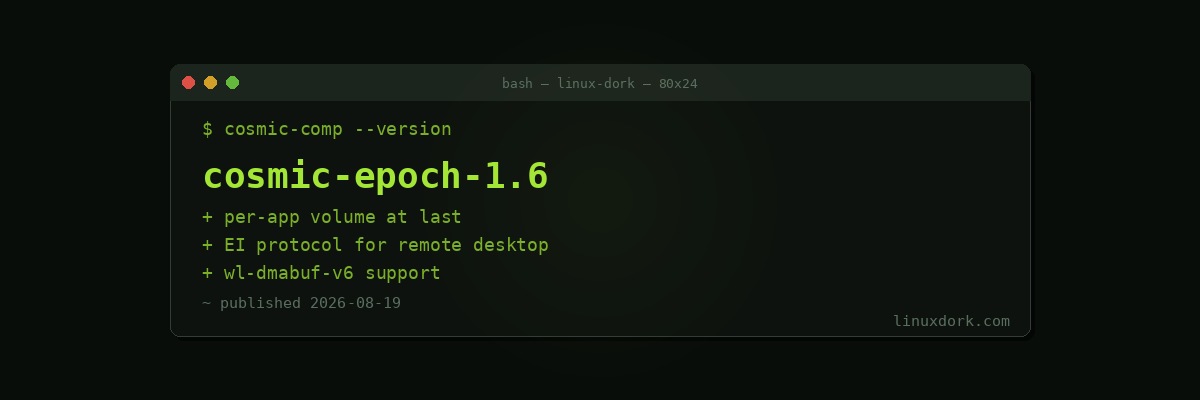
COSMIC Desktop 1.6 Adds Per-Application Volume Control and Lays Groundwork for Remote Desktop
System76 released COSMIC Epoch 1.6 on August 18, adding one of the features that users have been asking for since the desktop’s first alpha: per-application volume control.
We covered COSMIC 1.2 earlier this summer. The cadence has been quick, and 1.6 continues the pattern of filling in the gaps that separate a usable desktop from a complete one.
Per-app sound settings
You can now mute and unmute, adjust volume, and switch the audio output device for individual applications rather than only for the system as a whole.
This sounds minor if you have never needed it. It is not minor if you have ever wanted your browser on speakers and your call client on a headset, or wanted to silence one noisy application without touching everything else. PulseAudio and PipeWire have supported per-stream routing for years; what was missing on COSMIC was a place in the interface to do it.
Supporting work landed in the COSMIC settings daemon, including handling for playback-specific sound settings and backward-compatible audio events, which is the less visible half of shipping a feature like this.
The audio applet also now debounces volume updates by 128 milliseconds, so dragging a volume slider no longer fires a storm of rapid changes.
Protocol work
Version 1.6 adds support for wl-dmabuf-v6 and the EI protocol, and presentation feedback can now be taken from fullscreen surfaces.
The EI protocol addition is the one to watch. Emulated Input is the plumbing that remote desktop and input automation tools need in order to inject events under Wayland, where the X11 approach of “just synthesize an event” was deliberately removed. Support landing here is a precondition for remote desktop working properly on COSMIC, rather than the feature itself.
Presentation feedback from fullscreen surfaces matters for anything that needs to know when a frame actually hit the display: video players correcting audio sync, games measuring latency, and screen capture tools timing their grabs.
Getting it
Pop!_OS 24.04 LTS users already have 1.6 available as a regular update. COSMIC is also packaged for Fedora, Arch, NixOS, and openSUSE, though availability follows each distribution’s own schedule.
# Pop!_OS
sudo apt update && sudo apt full-upgrade

# Arch
sudo pacman -Syu cosmic

# Fedora
sudo dnf upgrade --refresh
Where COSMIC sits now
Written from scratch in Rust, COSMIC took a long path to 1.0 and has been iterating steadily since. The interesting thing about 1.6 is what it says about the project’s phase: the features arriving now are not architectural, they are the accumulated small conveniences that people notice only when they are missing.
That is usually the sign of a desktop moving from “impressive that it exists” to “fine to use daily.”