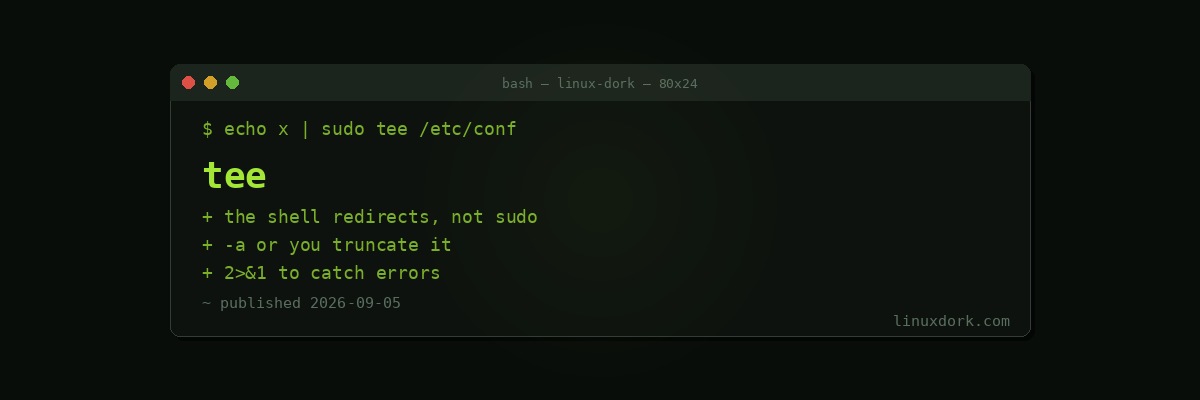
tee Command Explained: Writing to a File and the Screen at Once
tee reads from standard input and writes to both a file and standard output. The name is the plumbing fitting: the stream arrives and leaves in two directions.
command | tee output.logYou see the output and it is saved.
Writing to root-owned files
This is the use that matters most, and it explains a failure people hit constantly.
# Fails, even with sudo
sudo echo "something" > /etc/some-config

# Works
echo "something" | sudo tee /etc/some-config
The first fails because your shell performs the redirect, and it does so as you, before sudo runs anything. The shell cannot open a root-owned file for writing.
Piping to sudo tee runs the writing process as root, which can.
Append rather than overwrite:
echo "net.ipv4.ip_forward=1" | sudo tee -a /etc/sysctl.d/99-custom.confForgetting -a truncates the file, which is an unpleasant way to learn the difference.
Silence the echoed output when the content is long:
cat template.conf | sudo tee /etc/app/config.conf > /dev/nullHeredocs, which read better
For multi-line content, a heredoc is clearer than repeated echo calls. Quote the delimiter so the shell does not expand variables inside, which is almost always what you want when writing a config file containing dollar signs.
Capturing a long-running command
# See progress and keep a record
./install.sh 2>&1 | tee install.log

# Capture errors too, since tee only reads stdout
make 2>&1 | tee build.log
The 2>&1 matters. Without it, errors go to your terminal and never reach the file, which is precisely the part you wanted saved.
Inspecting a pipeline midway
cat access.log \
  | grep ' 500 ' \
  | tee errors-only.log \
  | awk '{print $1}' \
  | sort | uniq -c | sort -rn
The intermediate stage is saved without interrupting the pipeline. Useful when a long pipeline produces the wrong answer and you want to see where it went wrong.
Several files at once
command | tee file1.log file2.logRelated tools
script records a whole terminal session including interactive input, which tee cannot.
To pipe into a command rather than a file, process substitution works:
command | tee >(gzip > output.gz) | further-processingOur heredocs and process substitution guide covers that syntax.
Frequently Asked Questions
What does tee do?
It reads standard input, writes it to one or more files, and passes it through to standard output. The name comes from a T-shaped pipe fitting, because the stream goes two ways at once.
Why use sudo tee instead of sudo with a redirect?
Because redirection is performed by your shell before sudo runs, so the shell tries to open the root-owned file as you and fails. Piping to sudo tee runs the writing process as root, which works.
How do I append rather than overwrite?
Use tee -a. Without it, tee truncates the target file, which is a fast way to lose a config file you meant to add a line to.
How do I hide the output I do not want to see?
Redirect standard output to /dev/null. tee still writes the file and the terminal stays clean, which is what you want when the content is long.
Can tee write to several files at once?
Yes, just list them. The same stream is written to each, which is occasionally useful for producing an identical log in two locations.
Does tee capture error messages?
Not by default, since it only reads standard input. Redirect stderr into stdout first with 2>&1 before the pipe if you want errors captured too.