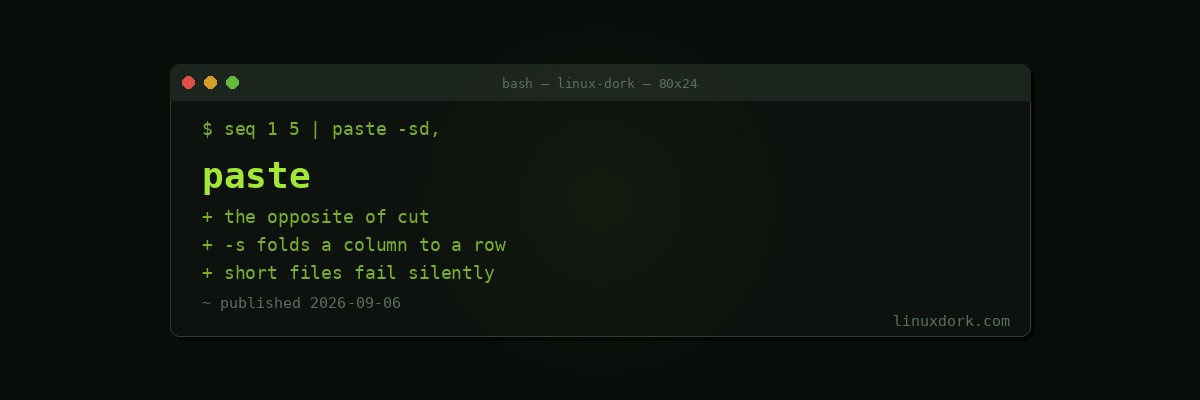
paste Command Explained: Merging Files Side by Side
paste is the counterpart to cut. Where cut removes columns, paste puts them together, reading files in parallel and joining corresponding lines.
The basics
paste names.txt ages.txtalice 34
bob 28
carol 45Fields are separated by a tab by default.
paste -d, names.txt ages.txt      # comma separated
paste -d: file1 file2 file3       # three files, colon separated
Serial mode, which is the underused one
-s pastes each file serially, joining all its lines into one:
seq 1 5 | paste -sd,
# 1,2,3,4,5

cut -d: -f1 /etc/passwd | paste -sd,
# root,daemon,bin,sys,sync,...
This is the shortest way to turn a column into a comma-separated list, which comes up constantly when building arguments for another command.
# Build a package list from a file
paste -sd' ' packages.txt | xargs sudo apt install -y
Folding lines into pairs
printf 'a\n1\nb\n2\nc\n3\n' | paste - -a 1
b 2
c 3The two dashes both read standard input, so paste takes one line for the first and one for the second. Three dashes gives triples.
This is genuinely useful for output that alternates between a label and a value, which a surprising number of tools produce.
Rebuilding a table
# Pull two columns out, transform one, put them back
cut -d: -f1 /etc/passwd > users.txt
cut -d: -f6 /etc/passwd | sed 's|/home/||' > homes.txt
paste -d: users.txt homes.txt
In practice awk does this in one step and is the better tool when the transformation is non-trivial. paste earns its place when the pieces genuinely come from different sources.
The length mismatch trap
printf 'a\nb\nc\n' > f1
printf '1\n2\n' > f2
paste -d, f1 f2
# a,1
# b,2
# c,
paste runs until the longest file ends. The short file contributes nothing and you get a trailing separator with an empty field.
There is no error and no warning. If the files are supposed to correspond, check their lengths first:
wc -l f1 f2Our wc guide covers the counting side.
paste or join
They look similar and are not.
paste is positional. Line one joins line one, regardless of what is in them.
join matches on a shared key field, like a database join, and requires both inputs sorted on that field.
If your files are two views of the same rows in the same order, paste is right and simpler. If they need matching by identifier, you want join.
Frequently Asked Questions
What does paste do?
It reads several files in parallel and writes their corresponding lines joined together on one line, separated by a tab. Where cut takes columns out, paste puts them back.
How do I change the separator?
Use -d followed by the character. Passing several characters cycles through them, so -d ",;" alternates between comma and semicolon for successive joins, which is occasionally useful and mostly surprising.
How do I turn one column into rows?
Use -s, which pastes each file serially rather than in parallel. Combined with -d it joins every line of a file into one line with your chosen separator, which is the fastest way to build a comma-separated list.
What happens when files have different lengths?
paste continues until the longest file is exhausted, leaving empty fields for the shorter ones. That produces trailing separators with nothing between them rather than an error, so mismatched input fails silently.
Can paste read from standard input?
Yes, using a dash as a filename. Using the dash twice reads two lines at a time from the same stream, which is a neat way to fold pairs of lines into single lines.
When should I use join instead?
When the files share a key field and the rows are not in matching order. paste is positional and pairs line one with line one regardless of content; join matches on a field, like a database join.