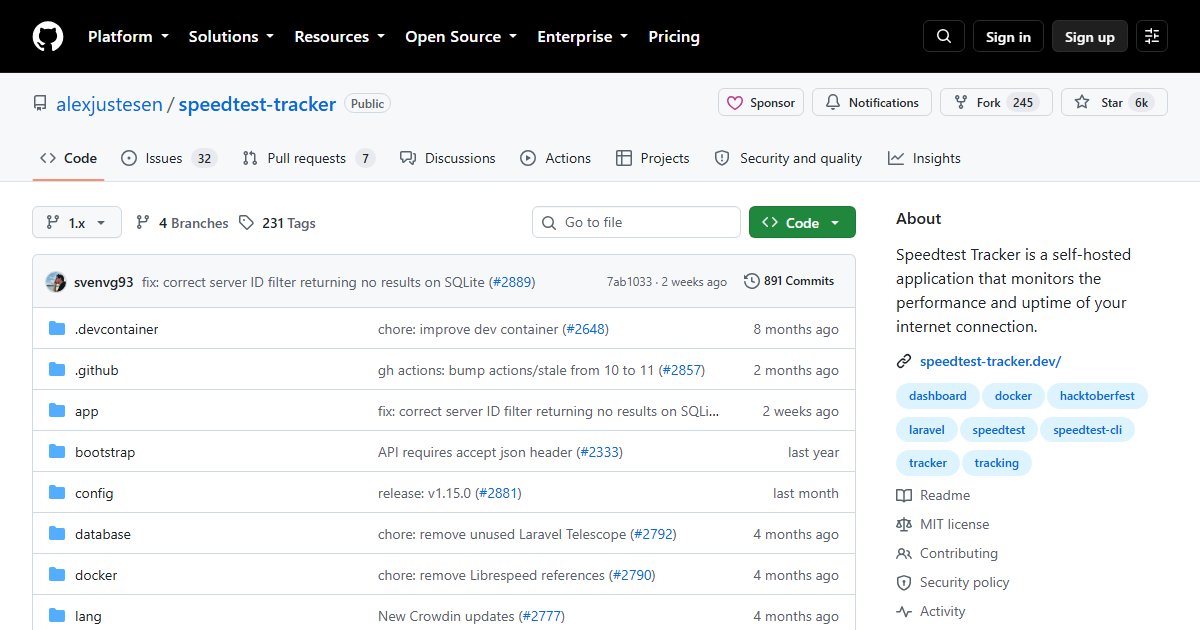
Speedtest Tracker: Automated Internet Speed Tests With History and Alerts
Speedtest Tracker runs speed tests against your internet connection on a schedule and keeps the results. Over weeks, that becomes a record of whether you are actually getting the speed you pay for, and at what times of day you are not.
Features
- Scheduled tests using the Ookla Speedtest engine, as often as you choose
- Records download, upload, ping, jitter, and packet loss
- Charts and history to spot patterns, such as evening congestion
- Thresholds and notifications when results fall below what you expect
- Community translations for many languages
Why it is worth running
“The internet feels slow” is hard to argue with an ISP. Six weeks of data showing the connection drops to a third of its advertised speed every evening is much easier. It also helps tell apart problems: consistently slow results point at your ISP, while slow Wi-Fi with fine wired results points at your network. For diagnosing inside your own network, see iperf3 network benchmarking.
Deployment
The LinuxServer.io team maintains the official image, linuxserver/speedtest-tracker. It is a Laravel (PHP) application and stores results in SQLite by default, or MySQL/MariaDB or PostgreSQL. It needs an APP_KEY generated on first setup; follow the project documentation for the exact variables.
Run it on a machine connected by cable to your router. Testing over Wi-Fi measures your Wi-Fi, not your internet connection.
Keep the schedule reasonable. A test every hour or two is plenty; every few minutes wastes bandwidth and can skew your results by competing with real traffic.
Alternatives
- MySpeed: a similar tool with a lighter interface
- SmokePing: measures latency and packet loss continuously rather than throughput, good for spotting instability
License
MIT.