Semaphore UI: Web Interface for Ansible and Terraform
Semaphore UI puts a web interface in front of the automation tools you already use, so playbooks and infrastructure code can be run, scheduled, and audited without shell access.
Why self-host Semaphore UI
Ansible is excellent and entirely command-line driven, which becomes awkward the moment more than one person needs to run playbooks, or you want a record of who ran what against which inventory. Semaphore adds the missing layer: stored inventories and credentials, scheduled runs, streamed output, run history, and team permissions, without changing how your playbooks are written.
What it does
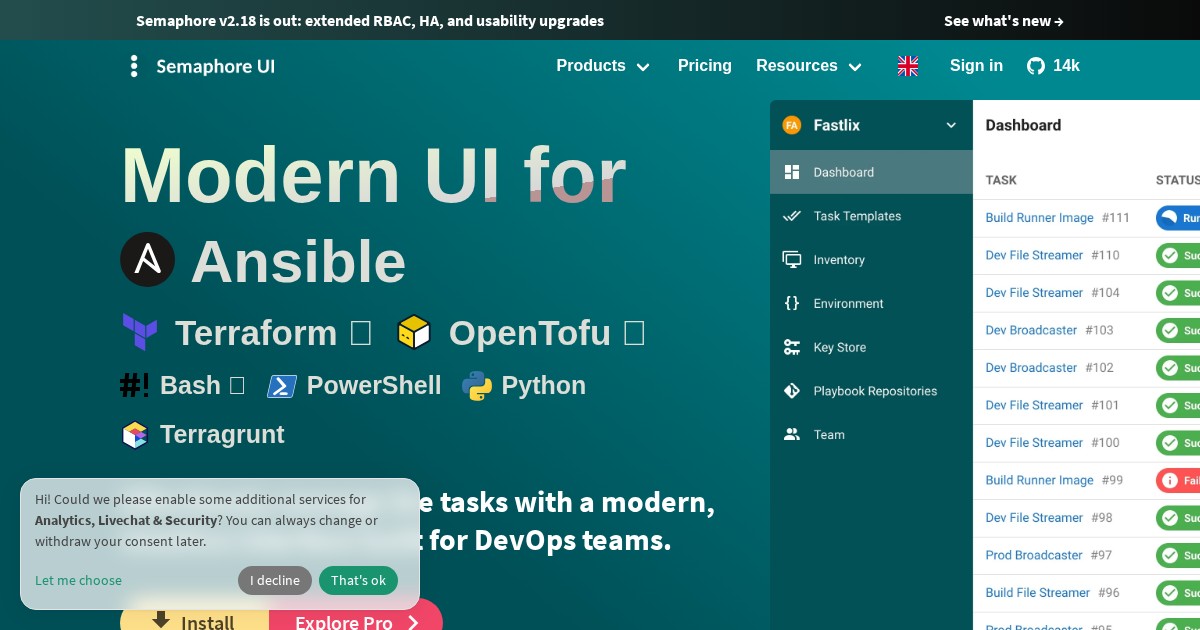
Semaphore UI falls into the Automation category of self-hosted software. It runs Ansible playbooks, Terraform, OpenTofu, and Terragrunt plans, plus Bash, Python, and PowerShell scripts. Projects group repositories, inventories, and credential stores; tasks can be triggered manually, scheduled on cron, or fired by webhook; and role-based access control determines who can run or edit what. An API covers everything the UI does, for wiring into existing pipelines.
Community traction
The project has been developed since 2015 and is the most widely used open-source alternative to Red Hat’s AWX and Ansible Automation Platform for teams that want something considerably lighter.
Deployment
Docker is the usual path, backed by BoltDB, MySQL, or PostgreSQL depending on scale. Native packages are also published for Debian and RPM distributions.
Alternatives
AWX is Red Hat’s upstream of Ansible Automation Platform, far more capable and far heavier. Rundeck covers similar operational job-running ground with a broader focus than Ansible.
License
Semaphore UI is released under the MIT License.
Links
Semaphore UI is the natural next step once your Ansible playbooks are being run by more than one person.