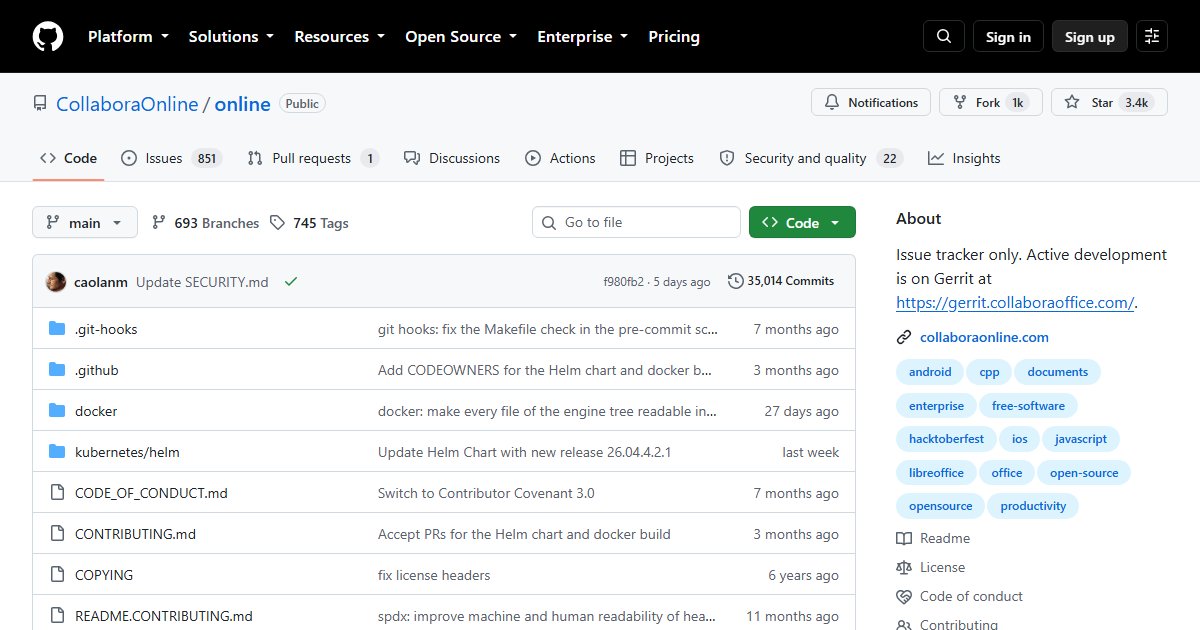
Collabora Online: LibreOffice in the Browser for Nextcloud and Beyond
Collabora Online puts LibreOffice in your browser. It renders documents, spreadsheets, and presentations on the server and streams them to the browser, so several people can edit the same file at once. It is the most common way to add Google Docs-style editing to a self-hosted file platform.
How it fits
Collabora is not a standalone file manager. It is an editing engine that a file platform calls when you open a document. Common pairings:
- Nextcloud, through the Nextcloud Office app
- OpenCloud and ownCloud Infinite Scale
- Seafile and other WOPI-compatible platforms
The integration uses the WOPI protocol: the file platform handles storage and permissions, and Collabora handles editing.
Features
- Real-time co-editing of text documents, spreadsheets, and presentations
- Strong ODF support (it is LibreOffice underneath) and good compatibility with Microsoft Office formats
- Comments, track changes, and version history through the file platform
- Mobile and desktop apps from Collabora
Editions
CODE (Collabora Online Development Edition) is the free edition, built from the latest code and aimed at home users and small teams. Collabora’s paid editions add long-term support, tested releases, and professional support for organisations. CODE shows a notice that it is for development and home use.
Deployment
The usual route is the official CODE Docker image, run behind a reverse proxy on its own subdomain (for example office.example.com), then pointed at from your file platform’s office settings. The file platform and Collabora must be able to reach each other by their public hostnames over HTTPS, which is where most setup problems come from.
It is reasonably demanding: each open document runs a LibreOffice process on the server, so budget RAM for the number of simultaneous editors you expect.
Collabora or ONLYOFFICE?
| Collabora Online | ONLYOFFICE Docs | |
|---|---|---|
| Engine | LibreOffice | Own engine, built on OOXML |
| Best format support | ODF, plus OOXML | Microsoft Office formats (DOCX, XLSX, PPTX) |
| Interface | LibreOffice-style | Microsoft Office-style |
| Free edition | CODE | Community Edition (around 20 users) |
| License | MPL 2.0 | AGPL 3.0 |
If your users live in Microsoft Office files, ONLYOFFICE usually renders them more faithfully. If you value ODF and LibreOffice compatibility, Collabora is the natural fit.
License
Mozilla Public License 2.0.