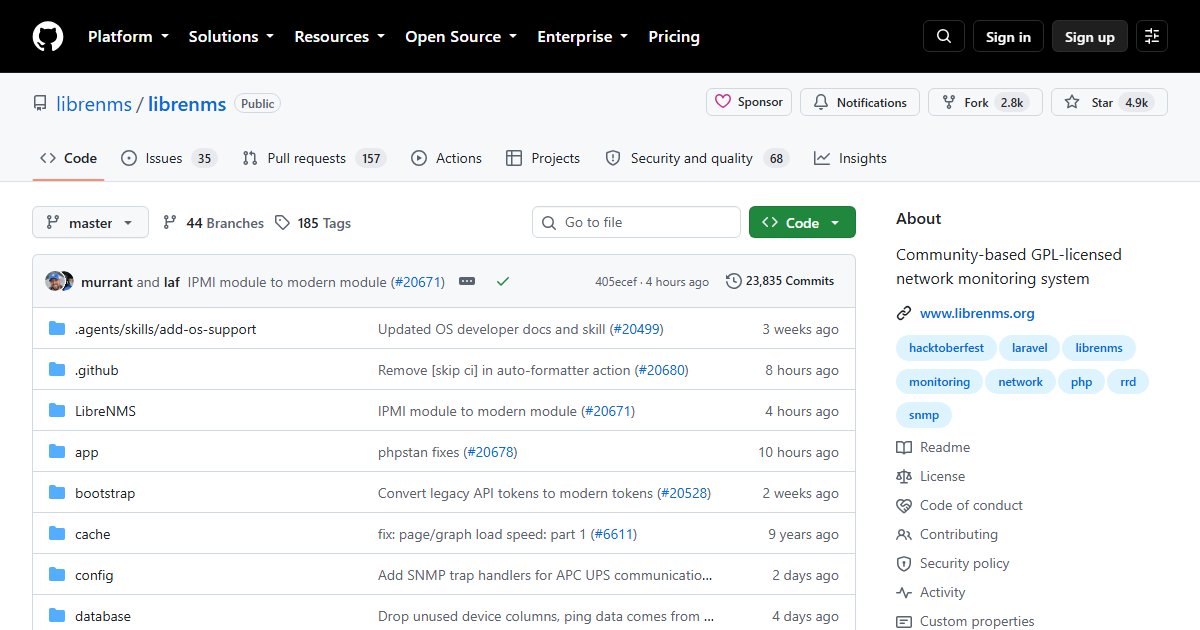
LibreNMS: Network Monitoring With SNMP Auto-Discovery
LibreNMS monitors network devices: switches, routers, firewalls, access points, UPSes, printers, and servers. Give it an SNMP community or credentials and a subnet, and it discovers devices, identifies what they are, and starts graphing interfaces, CPU, memory, temperatures, and more.
Features
- Automatic discovery over SNMP, LLDP, CDP, and other protocols
- Support for a huge range of vendors: Cisco, Juniper, Arista, MikroTik, Ubiquiti, HP, Fortinet, and Linux and BSD hosts, among many others
- Alerting with flexible rules and notification transports
- Traffic graphs per port, and a billing module for bandwidth accounting
- Maps, an API, and distributed polling for large networks
Deployment
LibreNMS is a PHP (Laravel) application with MySQL or MariaDB and RRD files for graph data. It can be installed directly on Ubuntu or Debian following the documentation, run in Docker using the community-maintained compose setup, or tried with the ready-made VM image.
Every device you want to monitor needs SNMP enabled. Use SNMPv3 with authentication and encryption where devices support it; SNMPv1 and v2c send the community string in clear text, so at minimum restrict them to your management network.
# test SNMP to a device before adding it
snmpwalk -v2c -c your-community 192.168.1.1 system
When to use it
LibreNMS is ideal when the thing you care about is the network: port utilisation, errors, which switch port a device is on, whether the WAN link is saturated. For general server and application monitoring, Checkmk, Zabbix, or Prometheus with Grafana are broader. Our network troubleshooting commands guide covers the command-line side.
License
GPL-3.0.