Healthchecks: Cron Job and Background Task Monitoring
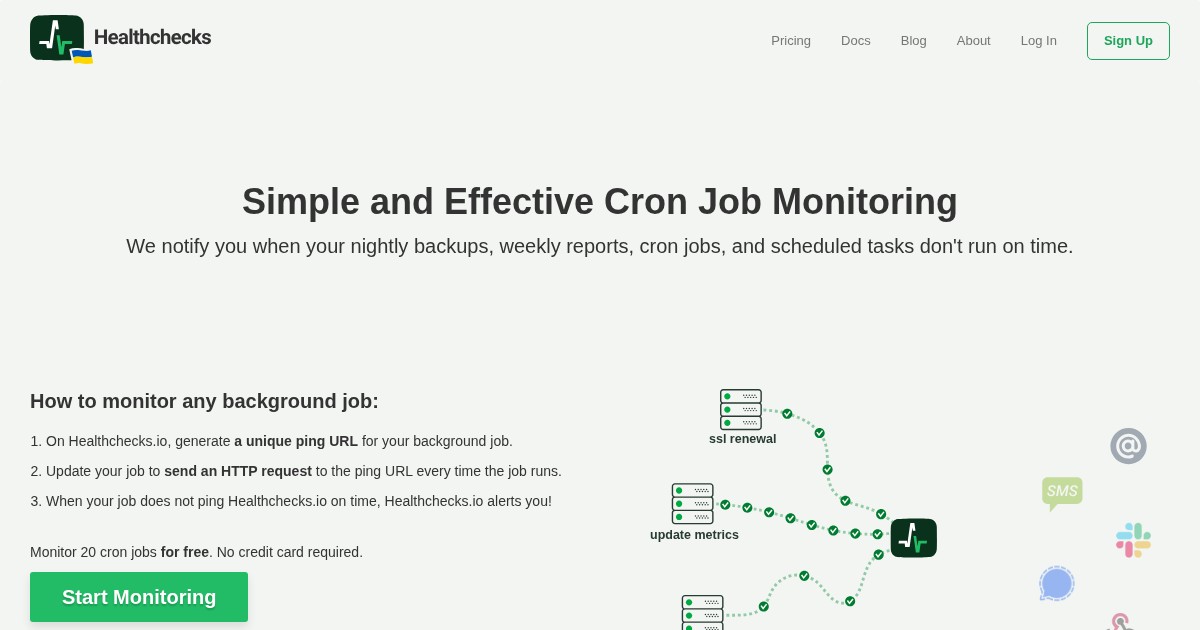
Healthchecks monitors the jobs that fail silently. Scheduled tasks ping a unique URL on success, and if a ping does not arrive within the expected window, you get alerted.
Why self-host Healthchecks
Backup scripts and cron jobs fail quietly. Cron mails output to a local mailbox nobody reads, and a job that stops running produces no output at all, which is precisely the failure you need to know about. Healthchecks inverts the model: silence is the alarm. Self-hosting it also removes the awkwardness of your monitoring depending on a third-party service that could be the thing that is down.
What it does
Healthchecks falls into the Monitoring category of self-hosted software. Each check has a URL, an expected period, and a grace time; jobs curl that URL when they finish. It supports start and failure signals for measuring run duration and catching non-zero exits, cron expressions for irregular schedules, and over 25 notification integrations including email, Slack, Matrix, ntfy, Telegram, webhooks, and PagerDuty. Projects, team members, read-only access, and WebAuthn two-factor authentication cover shared use.
Community traction
Healthchecks has run as a public service for years alongside its open-source codebase, and the self-hosted version is the standard recommendation for cron monitoring in homelab and small-team setups.
Deployment
A Dockerfile and prebuilt images are published; it is a Django application backed by PostgreSQL or SQLite. Adding a check to an existing job is a one-line change:
0 3 * * * /usr/local/bin/backup.sh && curl -fsS https://hc.example.com/ping/your-uuidAlternatives
Uptime Kuma monitors services from the outside and includes a push-monitor mode that covers some of the same ground. Cronitor and Dead Man’s Snitch are the hosted commercial equivalents.
License
Healthchecks is released under the BSD 3-Clause License.
Links
Healthchecks is the small piece of infrastructure that tells you your backups stopped running three weeks ago.