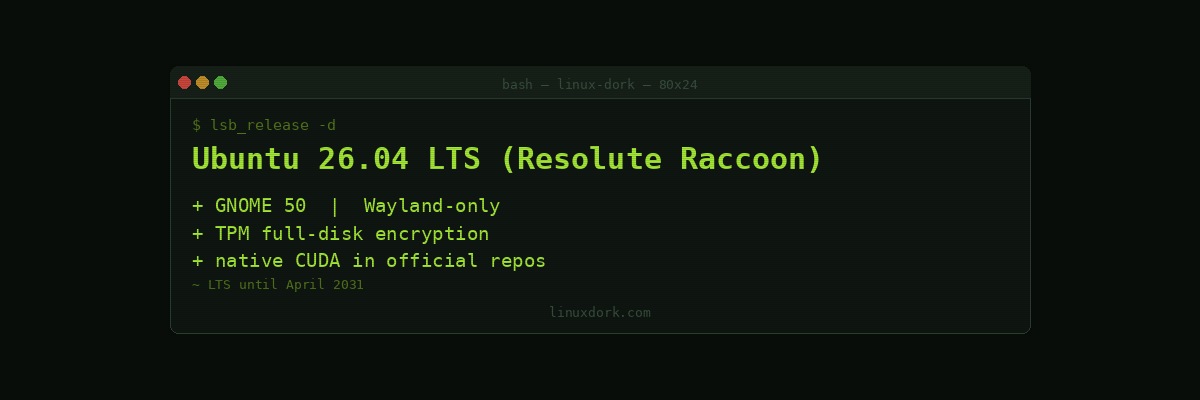
Ubuntu 26.04 LTS 'Resolute Raccoon' Is Here: GNOME 50, Wayland-Only, and Native CUDA
Ubuntu 26.04 LTS, codenamed “Resolute Raccoon,” landed on April 23, 2026. As a Long Term Support release it carries 5 years of standard support (to April 2031) and 10 years under an Ubuntu Pro subscription. It’s the base distro for Linux Mint, Kubuntu, Pop!_OS, Elementary OS, and dozens of derivatives, so this release will propagate widely over the next few months.
Linux 7.0 Kernel
Resolute Raccoon ships with Linux 7.0 as the default kernel, inheriting all the improvements covered in the 7.0 release notes: self-healing XFS, the RSEQ scheduler fix, stable Rust driver bindings, and expanded AMD/Intel hardware support. Ubuntu also carries its own kernel patches on top of stable upstream, so the linux-image-7.0.0-xx-generic packages are not identical to vanilla 7.0 but follow it closely.
GNOME 50: Wayland Only
The desktop ships GNOME 50 and drops native X11 sessions entirely. X11 applications continue to work through Xwayland, the compatibility layer that translates X11 requests to Wayland, but there is no longer a pure X11 login option. For most users this is invisible. For edge cases (specific proprietary software, certain remote desktop configurations, some Nvidia setups on older drivers), check compatibility before upgrading production desktops.
GNOME 50’s standout change is a redesigned Quick Settings panel that surfaces power profiles, active Bluetooth devices, VPN status, and display brightness in a single organised flyout rather than multiple separate menus.
Native NVIDIA CUDA in the Repos
Ubuntu 26.04 is the first Ubuntu release to ship NVIDIA CUDA packages directly from the official universe repository. Previously, CUDA required adding NVIDIA’s own PPA or downloading the CUDA toolkit installer manually. Now:
sudo apt install nvidia-cuda-toolkitThis also means CUDA packages receive standard Ubuntu security patching cycles and are tested against the Ubuntu kernel builds. AMD ROCm is similarly available via amd-rocm packages in universe. For developers and researchers running ML workloads on Ubuntu, this significantly reduces environment setup friction.
Security Center
A new Security Center application consolidates security configuration into a single interface:
- Full-disk encryption management (TPM 2.0 backed by default on supported hardware)
- Secure Boot status and key management
- Ubuntu Pro subscription status and ESM patch visibility
- Application permission prompting settings (similar to macOS privacy controls)
TPM-backed FDE is now the default for new installs on hardware with a TPM 2.0 chip, no passphrase required at boot, but the disk key is sealed to the TPM and released only when Secure Boot chain verification passes.
systemd 259 and cgroup v2 Only
Ubuntu 26.04 ships systemd 259, which removes cgroup v1 support entirely. The unified cgroup v2 hierarchy is now the only option. This matters for:
- Docker/Podman: Both handle cgroup v2 correctly in current versions, but older container configurations using explicit v1 paths will need review
- LXC: LXC 5.0+ handles v2 natively; older LXC versions will not work
- Custom monitoring: Anything reading directly from
/sys/fs/cgroup/cpuacct/or other v1-specific paths needs updating
Run grep -r cgroup /etc/systemd and grep -r cgroup ~/.config before upgrading containers or monitoring agents.
Upgrading from 24.04
The in-place upgrade path (do-release-upgrade) from 24.04 LTS opens approximately 3 months after release, following Canonical’s standard practice. For servers, a fresh install or snapshot restore is lower risk. For desktops, waiting for the upgrade prompt in the Software Updater is fine.