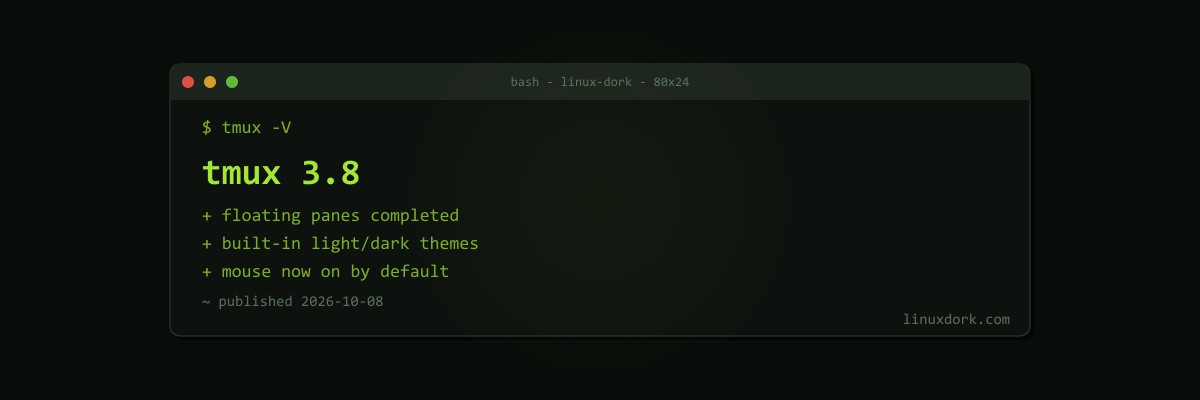
tmux 3.8 Completes Floating Panes, Adds Built-In Light and Dark Themes, and Turns the Mouse On by Default
tmux 3.8 is out. Floating panes arrived in 3.7; this release fills in what was missing and makes a few changes long-time users should know about.
Floating panes, finished
- Floating panes can be moved and resized with commands or by dragging with the mouse
- They can be converted to and from tiled panes
- Panes can have titles and border lines
- A window can have one modal pane that blocks interaction with the others until closed
The tmux developers plan for floating panes to replace popups in 3.9, with display-popup kept for compatibility.
Themes
tmux now ships built-in light and dark themes for terminals with at least 256 colours. A new theme option controls whether tmux follows the terminal’s own light or dark preference, forces one, or uses the old terminal colours (set -s theme terminal).
Other additions
- A switcher in
switch-mode: Tab for windows, Shift+Tab for sessions - Auto-hiding pane scrollbars and a
clear-on-attachoption - A new event system for hooks, including a “monitor” hook that fires when a format changes
Changed defaults
- The
mouseoption is now on by default, which changes how selecting text with the mouse behaves; hold Shift to select with the terminal instead, orset -g mouse offto restore the old behaviour display-panesis now a mode and loses its-bflag- Layout strings use a new format; the old one is still accepted
Distribution packages will follow. The source is on our tmux 3.8 download page, and if you are new to it, start with our tmux basics.