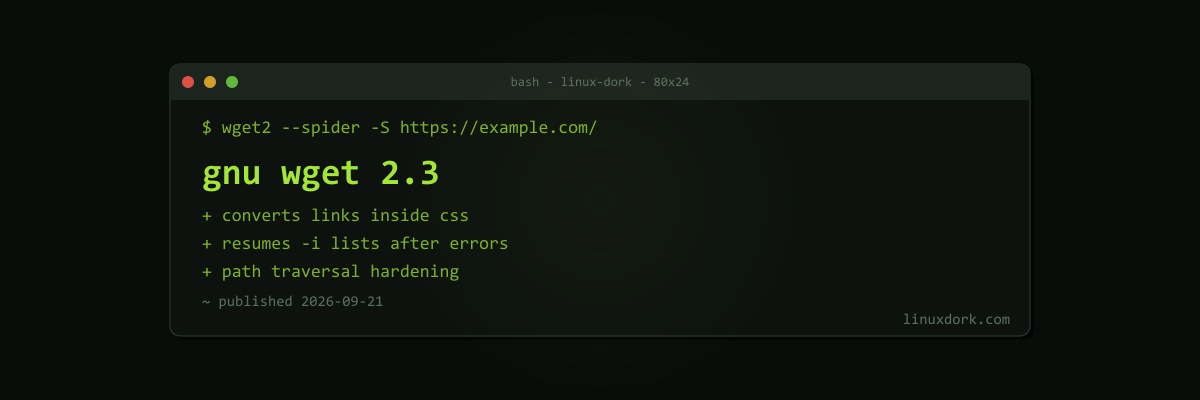
GNU Wget 2.3 Released With CSS Link Conversion and a Batch of Security Hardening
GNU Wget 2.3 was released on September 21. This is Wget2, the rewrite that some distributions ship as wget and others install alongside the classic Wget 1.x.
New features
--convert-linksnow rewrites CSS files, so mirrored sites with stylesheets that reference images and fonts actually work offline- Links in
iframe srcdocand lazy-loadingdata-src/data-srcsetattributes are now followed, which modern pages use heavily - A
--progress=dotoption, for logs where a progress bar is noise --spider -Sprints server headers without downloading, handy for checking redirects and cache headersContent-Length: 0is sent correctly on empty POST, PUT, and PATCH requests, per RFC 9110-ibatch downloads keep going after an error instead of stopping at the first bad URL- Overly long filenames are truncated rather than failing
- Correct exit codes after retries are exhausted, which matters for scripts that check
$?
Security fixes
| Area | Fix |
|---|---|
| Cookies | Integer overflow in parsing; secure cookies now only accepted over HTTPS |
| Recursion | Stack overflow prevented when recursively parsing local files; XML recursion capped at 1024 levels |
Content-Disposition | Stronger path traversal checks, so a server cannot write outside your download directory |
| Metalink | Path sanitisation on Windows |
The Content-Disposition fix is the one to care about. Any downloader that lets the server suggest a filename has to stop names like ../../.bashrc.
TLS handling was also tightened, with stricter certificate validation across the GnuTLS, OpenSSL, and WolfSSL backends. GnuTLS 3.6.5 or newer is now required.
Wget1 compatibility
2.3 improves compatibility with Wget 1.x behaviour for directory prefixes, accept and reject patterns, URL unescaping, and a number of option combinations. That matters because the biggest barrier to Wget2 has always been scripts written for Wget 1.x. Fedora, notably, reintroduced Wget 1.x after complaints about Wget2’s output and parallel download behaviour.
wget --version | head -1
wget2 --spider -S https://example.com/
Our curl and wget explainer covers when to reach for each tool.