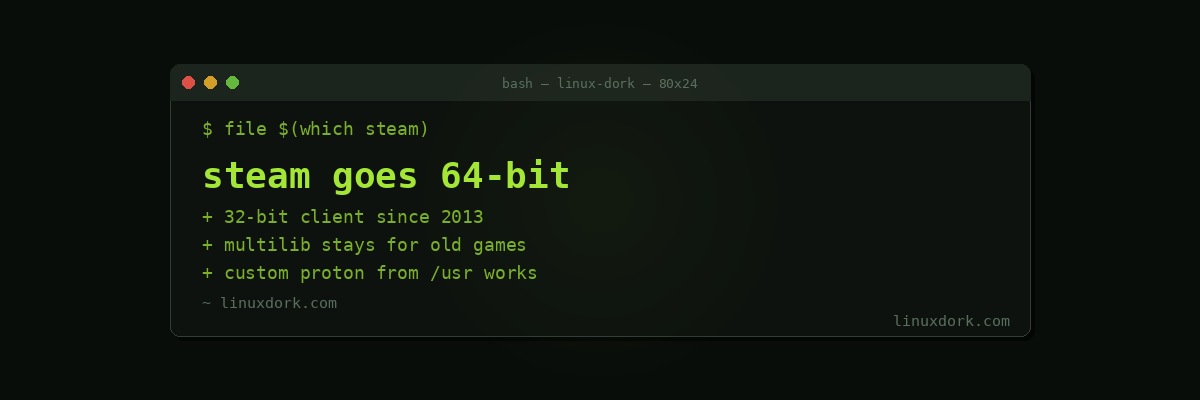
The Linux Steam Client Is Now 64-Bit
Valve’s November 11 Steam client update made the Linux client a 64-bit application. The same update added Steam Achievement Sets, and fixed a failure to load custom compatibility tools from /usr.
Why this took so long and why it matters
The Steam client has been a 32-bit application on Linux since it arrived in 2013. On a 64-bit system, running it requires a 32-bit library stack alongside the native one: 32-bit glibc, 32-bit graphics drivers, 32-bit everything it links against.
That requirement has shaped distribution packaging for over a decade. Arch’s multilib repository, Debian and Ubuntu’s i386 architecture, Fedora’s 32-bit library packages: Steam has been among the most prominent reasons to keep them populated.
It has also been a recurring source of friction:
- Distributions wanting to reduce 32-bit support ran into Steam as the blocker. Ubuntu’s attempt to drop i386 in 2019 was abandoned substantially over this
- Graphics driver packaging had to provide 32-bit builds, which is real maintenance work for Mesa and NVIDIA packagers
- Broken installs frequently traced to a missing 32-bit library, with an error message that did not say so
A 64-bit client removes the client’s own need for all of it. Our static versus dynamic linking guide covers the underlying mechanics.
What it does not remove
Being precise, because this is where the celebration gets ahead of the facts.
32-bit libraries are still needed for 32-bit games. A great many older Windows titles are 32-bit executables, and running one through Proton needs 32-bit Wine, which needs 32-bit libraries, which includes 32-bit graphics drivers.
So the multilib stack is not going away. What has changed is that the client itself no longer requires it, which means a system that only plays 64-bit games can now get by without one. That is a narrower population than it sounds, and it is a real simplification for the base install.
# confirm what you are running
file "$(which steam)" 2>/dev/null
ls ~/.steam/steam/ubuntu12_64/ 2>/dev/null

# what 32-bit libraries is Proton actually pulling in
ldd ~/.steam/steam/steamapps/common/Proton*/files/bin/wine 2>/dev/null | head

# Arch, what multilib do you have installed
pacman -Qq | grep '^lib32-' | wc -l
Custom Proton fix
The same update fixed a failure to load custom compatibility tools from /usr, which affected packaged GE-Proton builds.
# where custom Proton versions live
ls ~/.steam/root/compatibilitytools.d/
ls /usr/share/steam/compatibilitytools.d/
Distribution-packaged GE-Proton installs to the system path, and the bug meant those builds did not appear in Steam’s compatibility list. Anyone affected was working around it by symlinking into the home directory, which is no longer necessary.
Achievement Sets
Also in this update, and unrelated to Linux specifically: achievements can now be grouped into sets, which developers can use to separate base game achievements from DLC or seasonal content.
Our gaming on Linux guide covers the wider Proton picture, and SteamOS 3.10 is in preview separately.