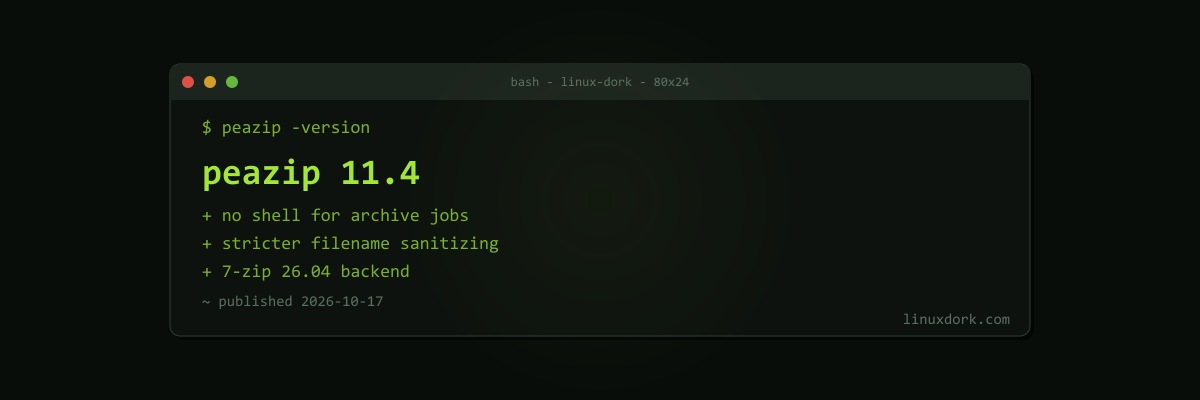
PeaZip 11.4 Stops Running Archive Jobs Through a Shell and Sanitizes Filenames More Strictly
PeaZip 11.4 was released on October 17, three weeks after PeaZip 11.3. This one is about security.
No more shell in the middle
PeaZip is a graphical front end for command-line archivers such as 7-Zip. Until now, jobs that took variable input, such as file names, were run through a full command shell (Bash on Linux, CMD on Windows). That creates risk: a crafted filename containing shell syntax could, in principle, be interpreted as a command.
In 11.4, compression, extraction, and similar jobs no longer launch a shell. The backend is started directly with its arguments. A text-only Console mode remains available for people who want to see the commands.
Our bash quoting guide explains why passing untrusted names through a shell is so hard to get right.
More validation
- Filenames are sanitized at more stages of the scripting engine, with fewer false positives for names containing special characters
- Many checks run earlier, so dangerous operations are blocked before they start
- Range checking is enabled wherever it does not hurt performance
- Input size validation for older archive formats that struggle with very large files
Other changes
- On Linux, the delete-after-archiving option now defaults to Quick delete
- The built-in file manager refreshes automatically more reliably
- Backends move to 7-Zip 26.04 and Pea 1.34
Packages are on our PeaZip 11.4 download page, and PeaZip is also on Flathub.