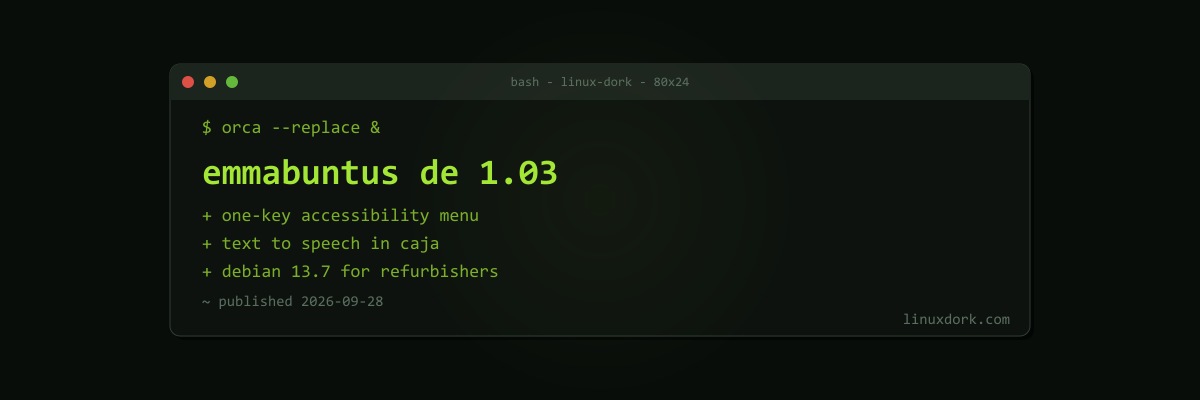
Emmabuntüs Debian Edition 1.03 Adds an Easy Menu and Document Reader for Accessibility
Emmabuntüs Debian Edition 1.03 was released on September 28. Emmabuntüs exists to make old computers useful again: it is built for organisations that refurbish donated PCs and give them to schools, charities, and people who cannot afford new hardware. This release is built on Debian 13.7 “Trixie” with Xfce 4.20 and LXQt 2.1.
Accessibility first
The two headline features are both about accessibility:
Easy Menu. Press Right Ctrl or F12 to open a menu of the main accessibility functions. As the developers put it, users can reach the tools they need without having to remember a multitude of key combinations. That particularly helps people using the Orca screen reader, for whom memorising shortcuts across several applications is a real barrier.
Easy Reader TTS. In the Caja file manager, F7 and F8 extract the contents of a document, including text and information about images, and read it aloud with text to speech.
Both build on the accessibility stack every Linux desktop shares; our Linux accessibility guide covers Orca, magnification, and the rest.
Other changes
- Fewer windows during post-installation setup
- The
firmware-software-signedpackage for better hardware compatibility - Updated preinstalled applications
Getting it
Emmabuntüs comes as Core and Full live ISOs for 64-bit systems, installed with Calamares. For refurbishers, it is one of the few distributions designed around their workflow; for individuals reviving an old laptop, the same goals are met by distributions like antiX or MX Linux.