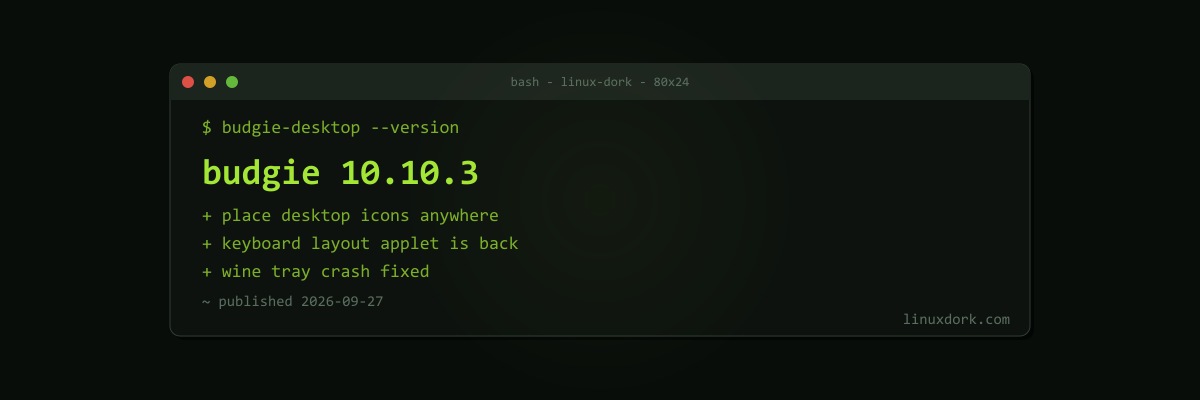
Budgie 10.10.3 Brings Free Desktop Icon Placement and Brings Back the Keyboard Layout Applet
Budgie 10.10.3 was released on September 27. Budgie became Wayland-only with the 10.10 series, and these point releases have been filling in the features that went missing in the port.
New features
- Free placement of desktop icons. Icons no longer snap to a grid, so you can put them anywhere. It sounds minor, but desktop icon behaviour is one of the first things people notice when switching desktops
- The Keyboard Layout applet is back, which multilingual users lost in the move to Wayland
- Primary monitor selection
- A Favorites section in the Budgie Menu for pinning apps
- Raven, Budgie’s sidebar, can stretch between screen edges
- Multimedia keys work out of the box for terminal, calculator, browser, file manager, and media player launchers
- Support for the freedesktop.org thumbnail specification
- Opt-in support for oo7 as a Secret Service provider in place of GNOME Keyring. oo7 is a Rust implementation of the secret storage API that apps use to save passwords
Fixes
- Desktop icons were positioned under bottom panels
- Workspace button behaviour, taskbar jitter, and minimize not working
- Wine applications with system tray icons could crash the whole session, which is fixed
That last one is a good example of why Wayland ports take several point releases: the system tray protocol is old, loosely specified, and Wine exercises its edge cases.
Getting it
Budgie 10.10.3 will reach Fedora’s Budgie spin, Ubuntu Budgie’s development release, Arch, and others as distributions update. Our desktop environments guide covers trying a second desktop without removing your current one, and Wayland vs X11 covers why desktops are dropping their X11 sessions.