Arch Linux September 2026 ISO Ships with Linux 7.2
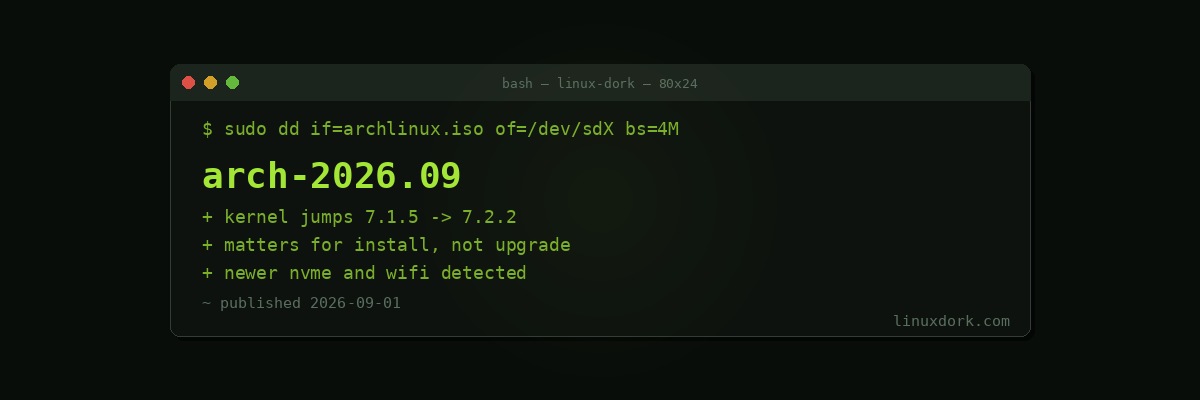
The Arch Linux September 2026 install medium is out, carrying Linux 7.2.2. The previous month’s ISO shipped 7.1.5, so this is a full release jump rather than the usual point increment.
Why the ISO kernel matters
Arch is a rolling release, so the ISO has no bearing on an existing installation. pacman -Syu has been pulling 7.2 for weeks regardless of what the install medium contains.
The ISO kernel matters for exactly one thing: whether the installer boots and sees your hardware. That is not a small thing on recent machines.
A newer kernel on the install medium means:
Storage controllers are detected. The failure people hit most often is an installer that boots fine and then cannot see the NVMe drive, because the controller needs a driver the ISO kernel does not have.
Network works during install. Arch installs pull packages over the network. A Wi-Fi chipset unsupported by the ISO kernel means no network, which means no install, on a laptop without Ethernet.
Graphics come up. Newer GPUs, particularly recent Intel and AMD integrated graphics, sometimes need kernel support that a six-month-old ISO lacks.
If you installed Arch on hardware released in the last year, the jump from 7.1 to 7.2 on the medium meaningfully improves the odds of a smooth install.
Install notes
The ISO includes archinstall, the guided installer, which has become genuinely competent and covers most standard setups including disk encryption and desktop environment selection.
# verify the download before writing it
gpg --verify archlinux-2026.09.01-x86_64.iso.sig

# write it
sudo dd if=archlinux-2026.09.01-x86_64.iso of=/dev/sdX bs=4M status=progress oflag=sync
Check the device name carefully. lsblk first, every time. Our dd bootable USB builder walks through the identification step, and the dd command explainer covers why this particular command deserves the caution.
Existing installations
Nothing to do. Monthly ISOs are a snapshot of the repositories for installation purposes.
If you have not updated in a while, the usual Arch caution applies: read the Arch news before a large update, because manual intervention notices are how Arch tells you that an update will break something if you run it blindly.
sudo pacman -SyuPartial upgrades remain the fastest way to break an Arch system. pacman -Sy package without the full u is the command not to run.