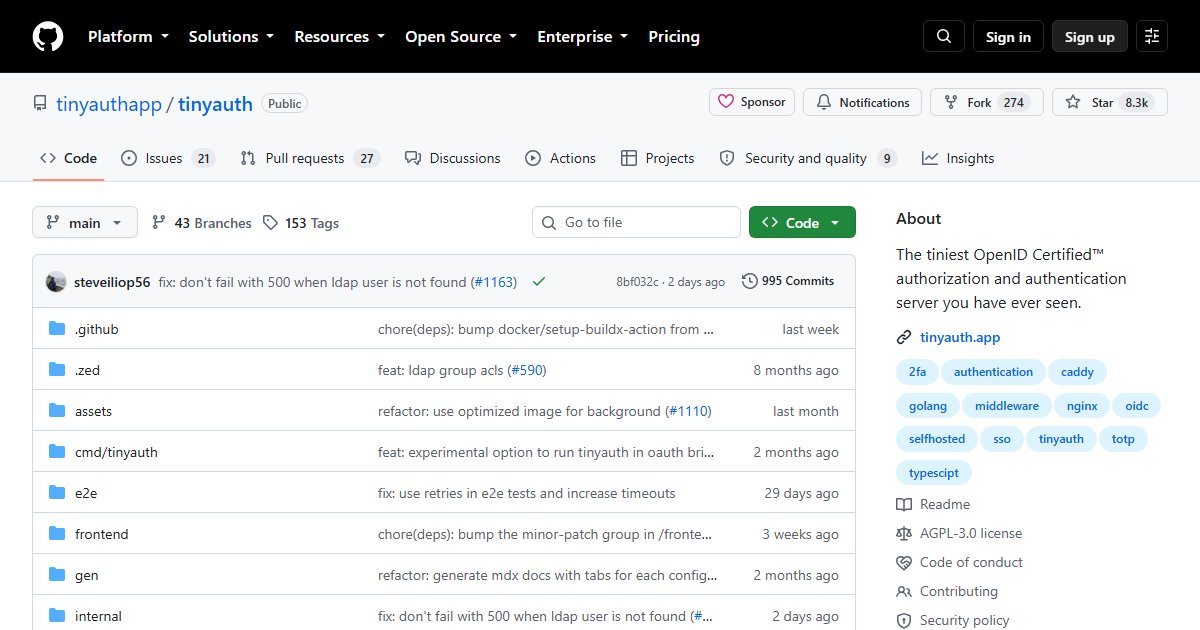
Tinyauth: A Tiny Login Screen for Any App Behind Your Reverse Proxy
Tinyauth puts a login screen in front of any web app, even one with no authentication of its own. It works as forward-auth middleware: your reverse proxy asks Tinyauth whether each request is allowed before passing it to the app.
Why forward auth
Plenty of useful self-hosted tools have weak or no login: dashboards, file browsers, admin panels, the *arr apps. Putting each one behind a single sign-on gate means one login, one place to enforce two-factor authentication, and no app-specific password databases.
Authelia and Authentik do this too. Tinyauth’s appeal is how little it takes: a small Go service and a few labels.
Features
- Forward auth for Traefik, Caddy, and Nginx
- Login with local users, OAuth providers (Google, GitHub, or your own OIDC server such as Pocket ID), or LDAP (such as lldap)
- TOTP two-factor authentication
- Access controls per app: which users or groups may reach which service
- It can also act as an OpenID Connect provider itself, and is OpenID certified
How it looks with Traefik
A typical setup adds middleware labels to each protected container:
labels:
  traefik.http.routers.whoami.middlewares: tinyauth
With the tinyauth middleware defined once, pointing Traefik’s forwardAuth at Tinyauth’s verification endpoint. Caddy (forward_auth) and Nginx (auth_request) work the same way. The documentation has complete examples for each proxy.
When to choose something else
Tinyauth is ideal for a homelab with a handful of users. If you need complex policies, SAML, user self-service, or many identity flows, Authentik or Keycloak are built for that.
License
AGPL-3.0.