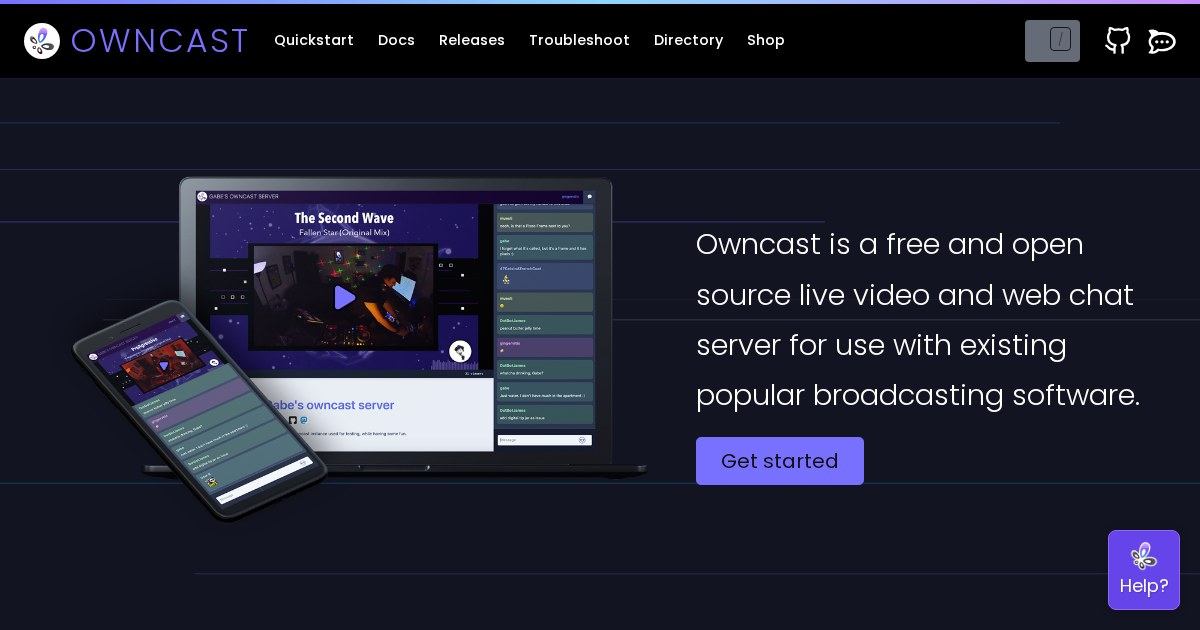
Owncast: What You Need to Know: Take control over your content and stream it
Owncast is a self-hosted live streaming tool. Take control over your content and stream it yourself.
Why self-host Owncast
When you deploy Owncast yourself, you own the instance. That means no rate limits, no pricing changes, and no worry about the service shutting down.
What it does
Owncast falls into the Live Streaming category of self-hosted software. It is designed to be deployed on your own infrastructure, whether that is a home server, a VPS, or a local machine running Docker.
Community traction
The project has 9k stars on GitHub, which is a reasonable proxy for how widely it is used. Active repositories tend to ship bug fixes faster and have better documentation than projects that stall after the initial release.
Deployment
Most users run Owncast via Docker Compose. The typical setup involves one or two containers and a volume for persistent data.
Alternatives
If Owncast does not fit your needs, common alternatives include Twitch. The self-hosted versions of these tools often differ in resource requirements and feature focus, so it is worth testing the one that matches your workload.
Maturity
The current version is 0.1.3, which means the project is still pre-1.0. That is not a disqualifier, but it is worth checking the changelog before upgrading in a setup where stability matters.
License
It is licensed under MIT, making it freely available for personal and commercial use.
Links
For anyone already running a home server, Owncast is a natural addition. It handles live streaming without requiring a paid subscription or an account with a third party.