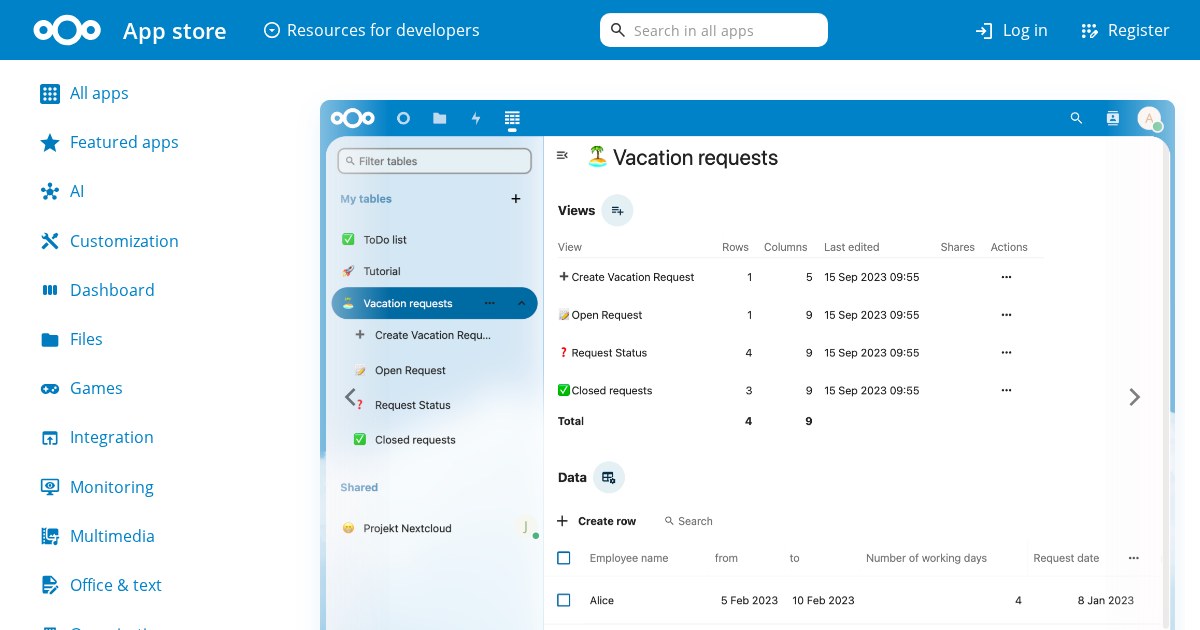
Nextcloud Tables: Create your own tables and columns from scratch or pre-defined templates
Nextcloud Tables is a self-hosted no-code / low-code tool. Create your own tables and columns from scratch or pre-defined templates.
Why self-host Nextcloud Tables
When you deploy Nextcloud Tables yourself, you own the instance. That means no rate limits, no pricing changes, and no worry about the service shutting down.
What it does
Nextcloud Tables falls into the No-Code / Low-Code category of self-hosted software. It is designed to be deployed on your own infrastructure, whether that is a home server, a VPS, or a local machine running Docker.
Deployment
Most users run Nextcloud Tables via Docker Compose. The typical setup involves one or two containers and a volume for persistent data.
Maturity
The current version is 0.7.5, which means the project is still pre-1.0. That is not a disqualifier, but it is worth checking the changelog before upgrading in a setup where stability matters.
License
It is licensed under AGPL-3.0, making it freely available for personal and commercial use.
Links
If the use case fits, Nextcloud Tables is a solid choice. Most of the complexity is in the initial deploy, and the day-to-day operation is low maintenance.