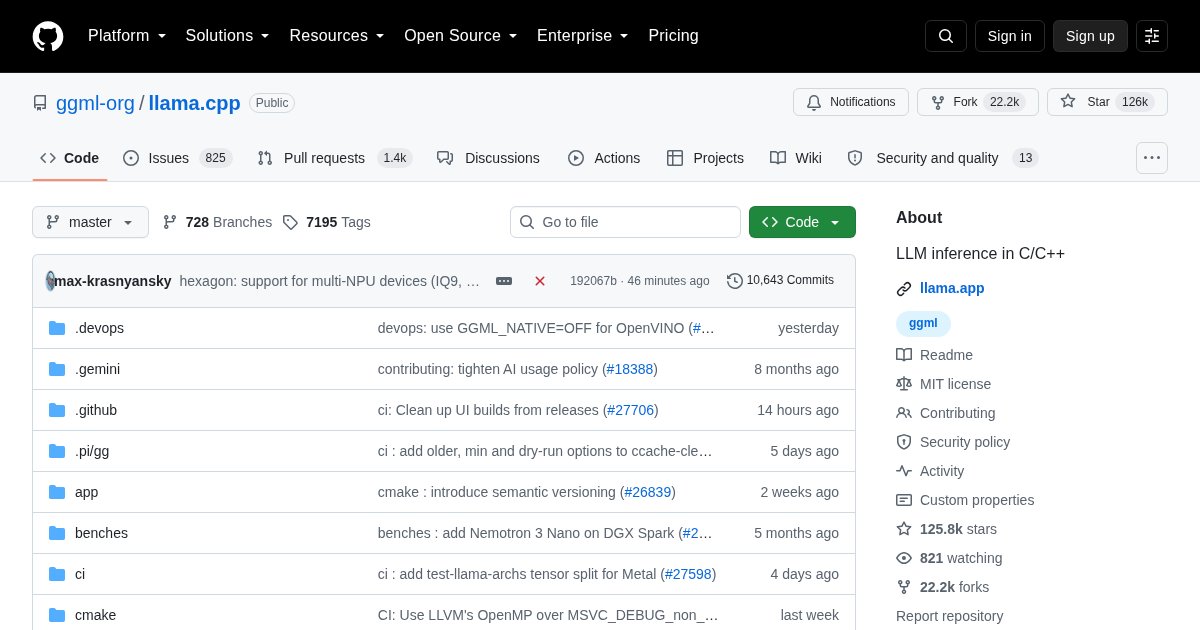
llama.cpp: The Inference Engine Under Most Local AI
llama.cpp made local language models practical on ordinary hardware. Before it, running a model meant a Python stack and a datacentre GPU. It demonstrated that quantized inference on a laptop CPU was not only possible but usable.
What it does
It implements model inference in C++ with no Python runtime and minimal dependencies, and it introduced the GGUF format that most of the local AI ecosystem now uses.
Quantization is the core idea. Model weights are stored at reduced precision, four or five bits instead of sixteen, which cuts memory use by roughly three quarters for a modest quality loss. A 7B model that needed 14GB fits in about 5GB.
Why it matters even if you never run it directly
Ollama uses it. LocalAI uses it as a backend. Many other tools embed it. Running any of those means llama.cpp is doing the actual work.
Running it directly
# Serve an OpenAI-compatible API
llama-server -m model.gguf -c 4096 --host 0.0.0.0

# One-shot generation
llama-cli -m model.gguf -p "Explain inodes briefly"
llama-server provides an HTTP API and a basic web interface, so it can replace Ollama entirely if you prefer explicit control over model files and parameters.
Hardware support
CPU inference works everywhere and is the fallback. CUDA, ROCm, Vulkan, and Metal backends provide GPU acceleration. Apple Silicon performs unusually well because memory is unified, so a Mac with plenty of RAM runs models that would need an expensive GPU elsewhere.
Layers can be split between GPU and CPU with -ngl, which is how you run a model slightly too large for your VRAM at reduced speed rather than not at all.
Who should use it directly
People who want control over quantization level, context size, and layer offloading, or who are embedding inference in their own software. For everything else, Ollama wraps it in a friendlier interface.
License
llama.cpp is released under the MIT License.