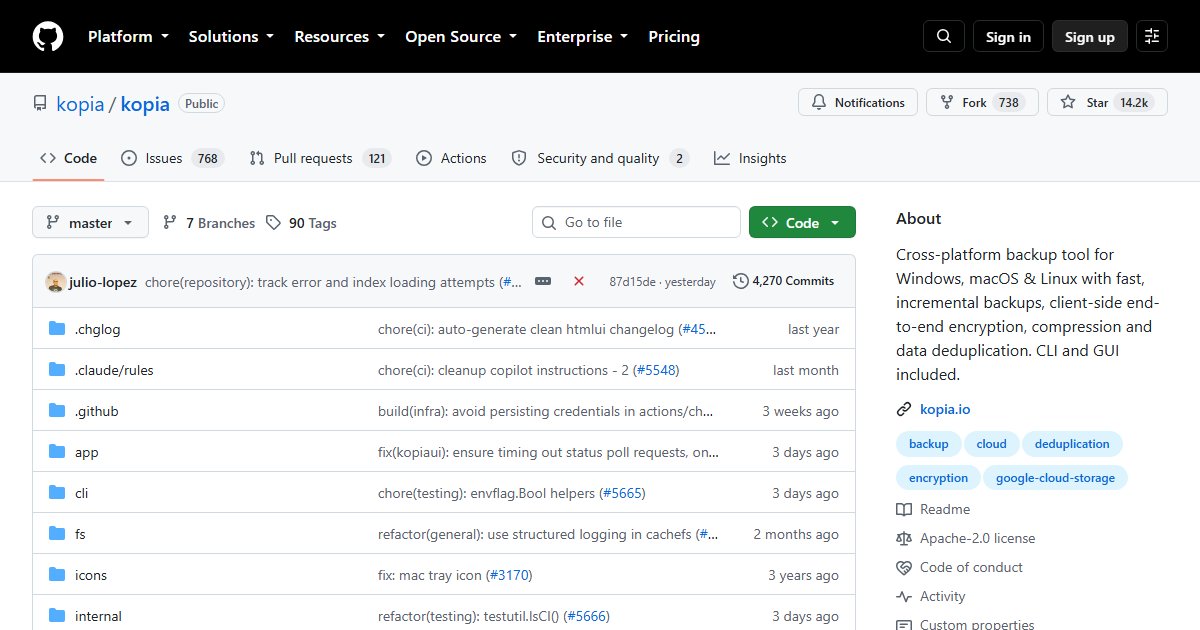
Kopia: Encrypted, Deduplicated Backups With a GUI and a Repository Server
Kopia takes encrypted, deduplicated snapshots of your files and stores them locally, on a NAS, or in cloud storage. It sits in the same family as restic and Borg, with one difference that matters to many people: a graphical interface that makes it usable by people who will never write a cron job.
Features
- Client-side end-to-end encryption: storage providers only ever see encrypted data
- Deduplication and compression, so repeated and unchanged data is stored once
- Incremental snapshots on Linux, Windows, and macOS
- Snapshot policies: schedules, retention rules, and exclusions per directory
- KopiaUI, a desktop app, alongside the CLI
- Repository Server mode, so many machines can back up to one central repository with per-user access
- Many backends: local disk, S3 (and S3-compatible like RustFS or Garage), Backblaze B2, Azure, Google Cloud, SFTP, WebDAV, and anything rclone supports
A first backup
kopia repository create filesystem --path /mnt/backup/kopia
kopia snapshot create ~/Documents
kopia snapshot list
kopia restore <snapshot-id> /tmp/restore-test
Keep the repository password somewhere safe outside the backup itself; without it, the data is unrecoverable by design.
Kopia, restic, or Borg?
| Kopia | restic | Borg | |
|---|---|---|---|
| GUI | Built in | Third-party (Backrest) | Third-party (Vorta) |
| Cloud backends | Many, native | Many, native | SSH only (plus Borgbase) |
| Central server | Repository Server | rest-server | SSH |
| Compression | Yes | Yes | Yes |
| Windows | Yes | Yes | Limited |
All three are solid. Kopia is the easiest to hand to non-technical family members, thanks to KopiaUI and policies. Our restic vs Borg comparison covers the other two in depth.
Whatever you choose, test restores. A backup you have never restored from is a hope, not a backup. Our automated backups guide covers building that habit.
License
Apache License 2.0.